

 9am – 5pm Eastern, Monday – Friday
 133 N Dupont Blvd Ste 103, Smyrna, DE 19977
 Sale Tax Free Shopping!
Toughbook CF-20 Parts
25 products
Toughbook CF-20 Parts
Refine by

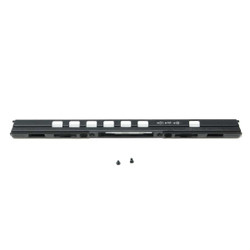

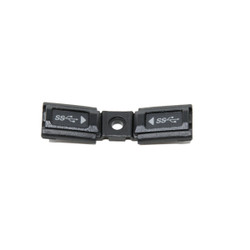
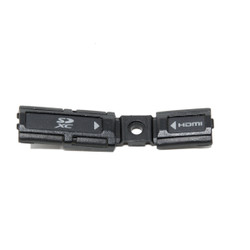
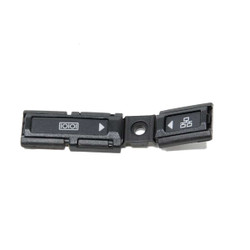


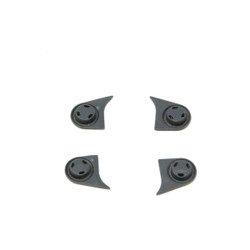
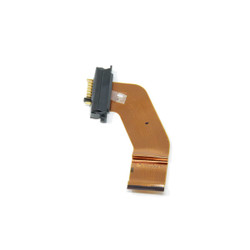


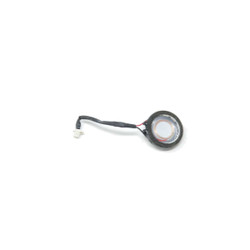
OEM Panasonic Toughbook CF-20 Replacement Parts
Our replacement CF-20 parts come from extra units on our shelves. Our technicians have used components from some of these laptops to repair others so they could make it on our website. We don't always receive Grade A equipment; most of the time, we have to replace items like broken bezels and cracked screens.
Ordering The Correct Components
We ask for the model number on every product page. Since Panasonic has released several generations of its computers, this helps ensure you get the correct parts for your specific laptop.
The Panasonic CF-20’s model number can be found in one of two places. The first is behind the tablet's batteries. Note that the keyboard has its own model number and is entirely different from the tablet's model number. Its model number is found at the bottom of the keyboard. The other way to find the model number on the CF-20 tablet is to load it into the BIOS. Once you have the model number, the generation is determined by the first character after “CF-20”. That first character can be any of the following characters:
- MK1 - A / B / C / D
- MK2 - E / F / G / H
Currently, on our website, we have one of these for sale with the model number “CF-20G5684VM.” This model number tells you that this tablet is an MK2. Read our blog post about Panasonic Toughbook Model Numbers to learn more about what these numbers mean.
How Do We Get Our Parts?
Usually, when we order a batch of laptops, they arrive after they've been leased or after someone upgrades to something newer. They come in used, no matter what. That said, not every laptop meets our website standards when it comes in the door. Typically, we receive Grade A, Grade B, and Grade C computers. We will use some of the parts on the Grade C units we get to help make more Grade As. Even after we’re through the whole batch, we still have extra. That’s where our parts categories come in.
Even though these components come from used Toughbooks, they are thoroughly tested by our expert team of technicians. They ensure you get the best-quality replacements available.
Frequently Asked Questions
|
|
Are all CF-20 replacement parts you sell genuine OEM components? |

All of our CF-20 replacement parts are used components taken from CF-20 units
we have in stock. Each part is carefully tested by our technicians before being removed from the laptops to
ensure quality and functionality.
|
|
How can I be sure the part I order will fit my device? |
By verifying your model number and device generation, and by consulting with
our support team if needed, we help ensure you receive the right part. If you have any doubts, our experts
are available to assist you before you place your order. You can email to tech_support@bobjohnson.com and attach a picture of the
part you are trying to replace.
|
|
Do you offer installation or repair services for purchased parts? |
Yes, BJCS provides professional installation and repair services for Panasonic
Toughbook CF-20 components. You can choose to have your laptop serviced by our certified technicians through
our mail-in repair program.
Parts Assistance & Technical Support
Need help finding a replacement part, upgrade, or accessory for your rugged device? Our team specializes in technical support and parts sourcing—even for items not listed on our site. Complete our Technical Support Form or call our office to speak directly with a specialist who can identify the right part, check compatibility, and answer your technical questions. We’re dedicated to keeping your equipment running smoothly—no matter where you purchased it.