

 9am – 5pm Eastern, Monday – Friday
 133 N Dupont Blvd Ste 103, Smyrna, DE 19977
 Sale Tax Free Shopping!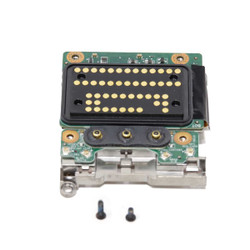
Dell Latitude Parts
10 products
Dell Latitude Parts
Refine by
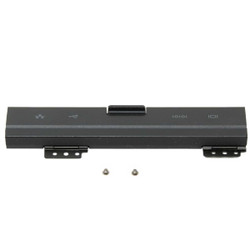
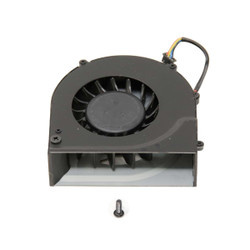
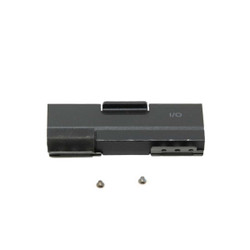


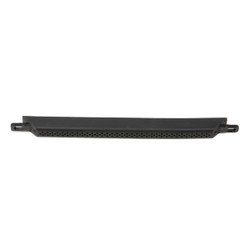
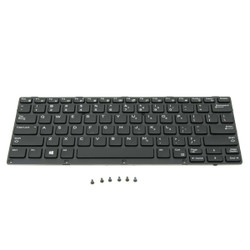
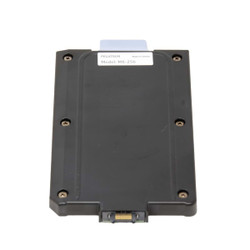
Replacement OEM Rugged Dell Latitude Laptop and Tablet Parts
We offer a wide selection of parts for a variety of Dell Rugged Latitude computers. Sourcing our parts from machines that haven’t met our quality standards and are not deemed suitable for sale on our website. Since we pull most of our replacement parts from used computers, they are considered original equipment manufacturers (OEM). Our skilled technicians use these parts to repair laptops and tablets that come to our repair department, or to elevate a Grade-B device to a Grade-A level.
No Dell replacement part is guaranteed to work on every laptop model, as there may be differences between various models and generations of that same model. Thus, the reason we make it mandatory to provide your computer's model number before proceeding with any part order on our website. Providing us with this number will help prevent any compatibility issues between the replacement part and your laptop.
Whether you're looking to replace a damaged screen, keyboard, or other hardware, we've got you covered. Browse our collection of reliable OEM parts to keep your computer in top shape.
The Service Tag Number on Dell Laptops and Tablets
You can find the service tag number on the bottom of your computer. There is a label that has the service tag number, the express service code, and the manufacture date. These numbers are designed to track your device's technical specifications and warranty information.
Every Dell laptop has a service tag number and an express service code. The service tag is an alphanumeric code that is seven characters long. This number keeps track of things like your device's technical specifications and warranty. An example from one of Dell Latitude 5414 parts units is "DTH4TG2.” And the express service code is an eleven-character version of the service tag number, but it only has numbers. The express service code on the same 5414 laptop is "30077108498.”
Steps To Installing Your Replacement Part
Before you start installing a part on your computer, it’s crucial that you take precautions. Start by making sure that your computer is off and unplugged and that the battery is removed. This can help guarantee your and your computer’s safety.
Check your user manual for instructions on installing the part correctly. Follow these instructions carefully to avoid damaging components and prevent device issues. The instructions will guide you through opening the computer, replacing the hardware, and closing the casing.
Another option that you have is to follow one of our repair walkthroughs on our YouTube channel. Our experienced technicians create these videos to teach you how to repair your device correctly and efficiently.
If you would rather have our technicians install the new part for you, all you have to do is fill out our repair form. Follow the link to find all the information you need about our repair department.
Test and Troubleshoot After Installation
You can troubleshoot your Dell laptop by turning it on and verifying that the parts you replaced are working as intended. If you encounter any issues or errors, refer to the user manual or online resources for helpful troubleshooting tips.
Frequently Asked Questions
|
|
Is there any warranty or return policy for purchased parts? |

All of our parts come with a 30-day warranty, excluding for system batteries.
|
|
How long does shipping take and do you ship internationally? |
We offer fast domestic shipping and some international delivery options. Shipping
times vary by location, but most orders are processed within 1 business day. Check our Shipping Information
page for full details. Contact us for questions about international shipping.
|
|
Can I install the part myself, or do you offer installation support? |
Absolutely! We provide step-by-step video tutorials for most Dell Latitude
parts. If you need additional assistance, our support team is ready to help, or you can choose our
professional repair service.

Parts Assistance & Technical Support
Need help finding a replacement part, upgrade, or accessory for your rugged device? Our team specializes in technical support and parts sourcing—even for items not listed on our site. Complete our Technical Support Form or call our office to speak directly with a specialist who can identify the right part, check compatibility, and answer your technical questions. We’re dedicated to keeping your equipment running smoothly—no matter where you purchased it.