

 9am – 5pm Eastern, Monday – Friday
 133 N Dupont Blvd Ste 103, Smyrna, DE 19977
 Sale Tax Free Shopping!
Toughbook CF-52 Parts
39 products
Toughbook CF-52 Parts
Refine by




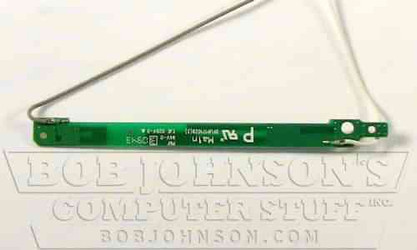


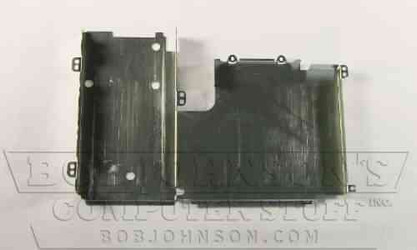
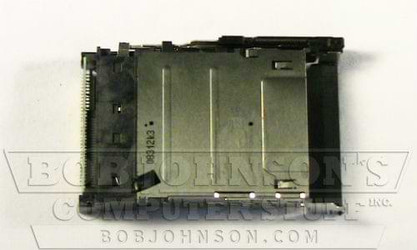
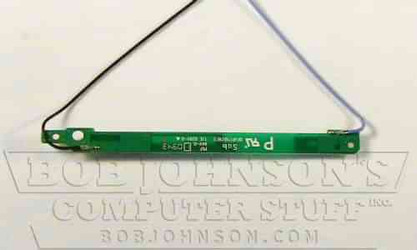
Parts Assistance & Technical Support
Need help finding a replacement part, upgrade, or accessory for your rugged device? Our team specializes in technical support and parts sourcing—even for items not listed on our site. Complete our Technical Support Form or call our office to speak directly with a specialist who can identify the right part, check compatibility, and answer your technical questions. We’re dedicated to keeping your equipment running smoothly—no matter where you purchased it.
OEM Parts For The Panasonic Toughbook CF-52
Do you need some replacement parts for your CF-52 semi-rugged laptop? Luckily, we have collected some batches of these laptops over the years that offer OEM parts. Panasonic toughbook cf-52 parts
Our certified rugged laptop technicians test all these parts before they are shipped for quality assurance.
Make Sure You’re Getting The Right Part
Remember that Panasonic made five different generations of the CF-52 Toughbook when buying parts. So, make sure that you know which one you have so that you can guarantee that you are ordering the correct replacement parts for your laptop.
The model number on the computer distinguishes the generations. So, the model number starts with “CF-52,” and then the sixth character is what tells you the MKs. It can only be one of the following:
- MK1: A / B / C / D
- MK2: E / F / G / H / J
- MK3: M / N / P / Q / R
- MK4: S / T
- MK5: V / W
To learn more about how Toughbook Models Numbers work, check out our blog about them!