

 9am – 5pm Eastern, Monday – Friday
 133 N Dupont Blvd Ste 103, Smyrna, DE 19977
 Sale Tax Free Shopping!
What To Check Before Buying A Used Toughbook
22nd May 2026
It is an excellent decision to buy a used rugged laptop due to its durability. A used Panasonic Toughbook can perform efficiently if it is inspected before being purchased. However, rugged laptops will always be used that are not entirely in good condition, and some issues will turn out to be significant in the coming days. Inspection is necessary to prevent the purchase of poor-quality devices.
Shopping online makes inspection harder. You need to know what to check to avoid a non-functional unit. Learn to identify quality rugged laptops to avoid poor purchases.
Why People Buy Used Toughbooks
People choose used Toughbooks for their strong durability and reliability at a lower price than new models. Unless you require the latest processors, used or refurbished rugged computers often make more sense. They meet the same military certifications and can withstand tough work, even as second-hand units.
Understanding the Value of Refurbished Rugged Laptops
Many prefer used Toughbooks for longevity. Even after years, they work in difficult environments, making them a solid option for those seeking durability without the high cost of a new rugged laptop.
Comparing Used Toughbooks to New Rugged Devices
New rugged laptops are costly, and not everyone needs the latest features. Used Toughbooks offer similar performance for basic and moderate tasks. New models may have faster processors and better designs, but used ones still provide strong durability and reliability for field work.
A new rugged laptop can cost $3,000–$5,000 without upgrades. Refurbished models start under $1,000, with upgrades still keeping you under $3,000.
On most sites, 'used' covers several refurbishment levels. You can find options by preference on reseller sites. Toughbook sites also show various grades. For example, Bob Johnson’s offers:
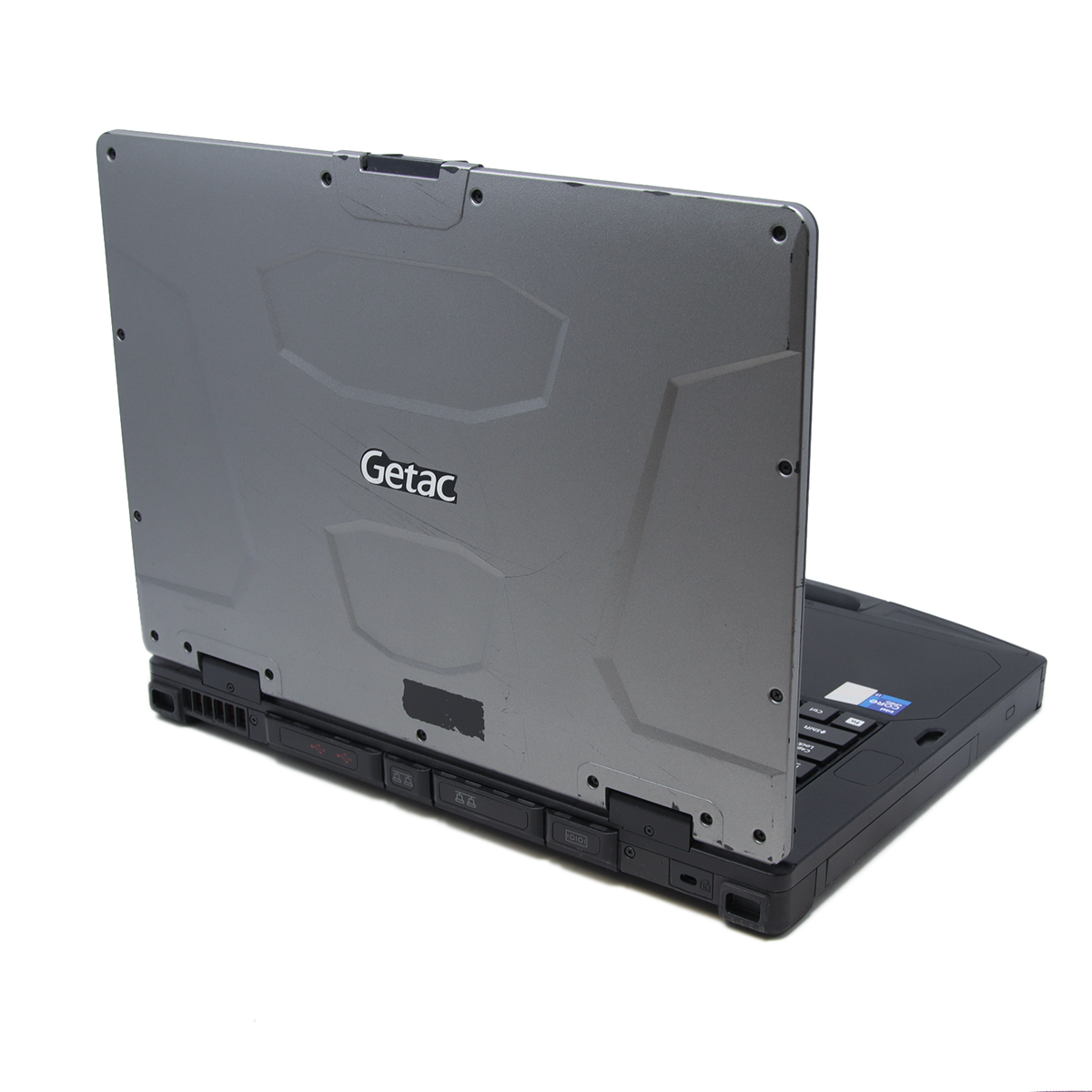
Refurbished: Another good term for this would be Grade A. There may be some slight signs of use, but for the most part, it’s in great condition. Not as in great shape as a low-hour one, and most likely has seen more use.
Scratch & Dent: Also known as "Grade B." These laptops show visible use, like scratched paint or indents. Their lower price reflects these marks. They suit buyers who don’t mind cosmetic flaws or anticipate adding their own.
Things To Look Out For Shopping Used Or Refurbished Panasonic Toughbooks
Shopping for used rugged computers is tricky since you usually can’t inspect them in person. Most shopping happens online. Here’s our list of what to check when buying refurbished computers online.
Check the Physical Condition Carefully:
Before buying a used Toughbook, it is very important to carefully inspect its physical condition. Study the pictures and look for any signs of use. Double-check that the seller is taking their own pictures. Sometimes, refurbishers or resellers use stock images for their listings.
If you’re unsure whether the images are stock, ask the buyer. If they duck the question or refuse to provide pictures of the unit, odds are they are hiding something about the laptop. We would advise you to find another option.
Once the pictures are verified, make sure that all of the following fit the listing:
Inspect the Exterior for Damage: The first step is to carefully check the outer body of the laptop. Scratches are normal, but deep cracks or missing parts may indicate the device was poorly handled. A strong body is important for a rugged laptop to perform well in tough environments.
Verify the Screen Condition: Inspect the screen for scratches or marks. Hopefully, if the laptop does have them, they alert you with pictures of the screen scratch or describe it in the description. If you notice one in the pictures, ask the buyer for more information if none is provided.
Check the Operating System
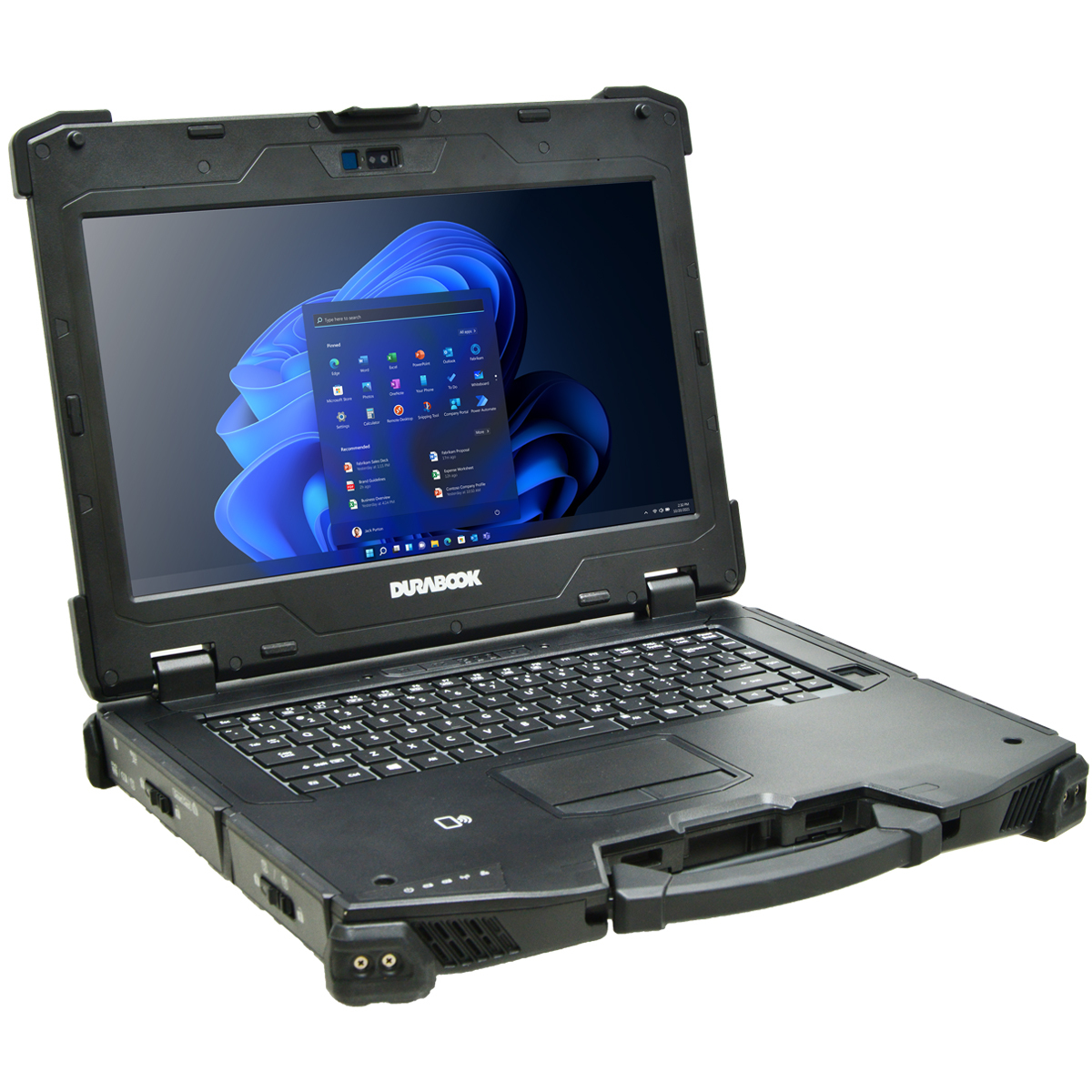 Before buying a used Toughbook, it is important to carefully check the operating system and installed software. Very old models may not support modern software or operating systems properly. While they may still turn on, they can struggle with newer applications and Windows 11.
 Remember, Windows 11 has a hard cutoff of an 8th-generation Intel Core processor. This means no 8th-generation processor, no Windows 11.
With that said, we do have a bypass to download it on up to a 5th-generation processor. Technically, the laptops that we have listed do not run Windows 11 natively, but we can install it on them. Now, that leaves the question: “Why would I buy a computer that cannot run Windows 11 natively?” This would be perfect for those with a tight budget who need Windows 11.
Once you have that settled, check the following.
Confirm the model and specifications before buying. This ensures the laptop meets your needs and can handle modern software. Many sellers mislabel models, so research before deciding.
Match the Specs to Your Work Requirements: Different users need different specifications. Before buying, check that the processor, RAM, and storage match your daily tasks. A mismatch can lead to slow performance. Make sure you check the programs you intend to run for their “minimum hardware requirements” or “recommended hardware” to ensure the computer you plan to buy can run everything you need it to.
Make Sure the Rugged Features Still Work
When buying a used Toughbook, it is important to ensure its rugged features remain fully functional. These laptops are designed to survive harsh environments, so any weakness in seals, covers, or durability can reduce their protection and overall reliability.
Test Water and Dust Protection Seals: Rugged laptops are designed to resist water and dust, but worn seals can reduce this protection. Check that all port covers are shown in the unit's pictures. Just think, if it’s missing any, you’re going to have to replace them if you want that protection. The more you have to replace, the higher the computer's total cost is.
Verify Sunlight-Readable Display Functionality: A key feature of Toughbooks is screen visibility in sunlight. Make sure the computer you are looking at has the proper screen nits (display brightness) you need to work. The higher the nits, the better it would perform outside. Also, check the specs for other screen treatments, like Anti-Glare.
Buy From a Trusted Seller
When purchasing a used Toughbook, choosing a trusted seller is crucial for a safe, reliable deal.
Research the Seller’s Reputation: A trusted seller is very important when buying used electronics. Good reviews and a history of reliable sales reduce the risk of buying a faulty device.
Look for Warranty or Return Policies: A warranty or return policy provides protection if the laptop develops hidden problems after purchase.
Ask About Refurbishment and Testing Processes: A properly refurbished laptop is tested and repaired before sale. This increases the chances of getting a reliable device.
Avoid Deals That Seem Too Good to Be True: Very cheap offers often hide problems. It is better to pay a fair price for a tested device than to risk buying a faulty one.
Understand Common Hidden Problems in Used Toughbooks
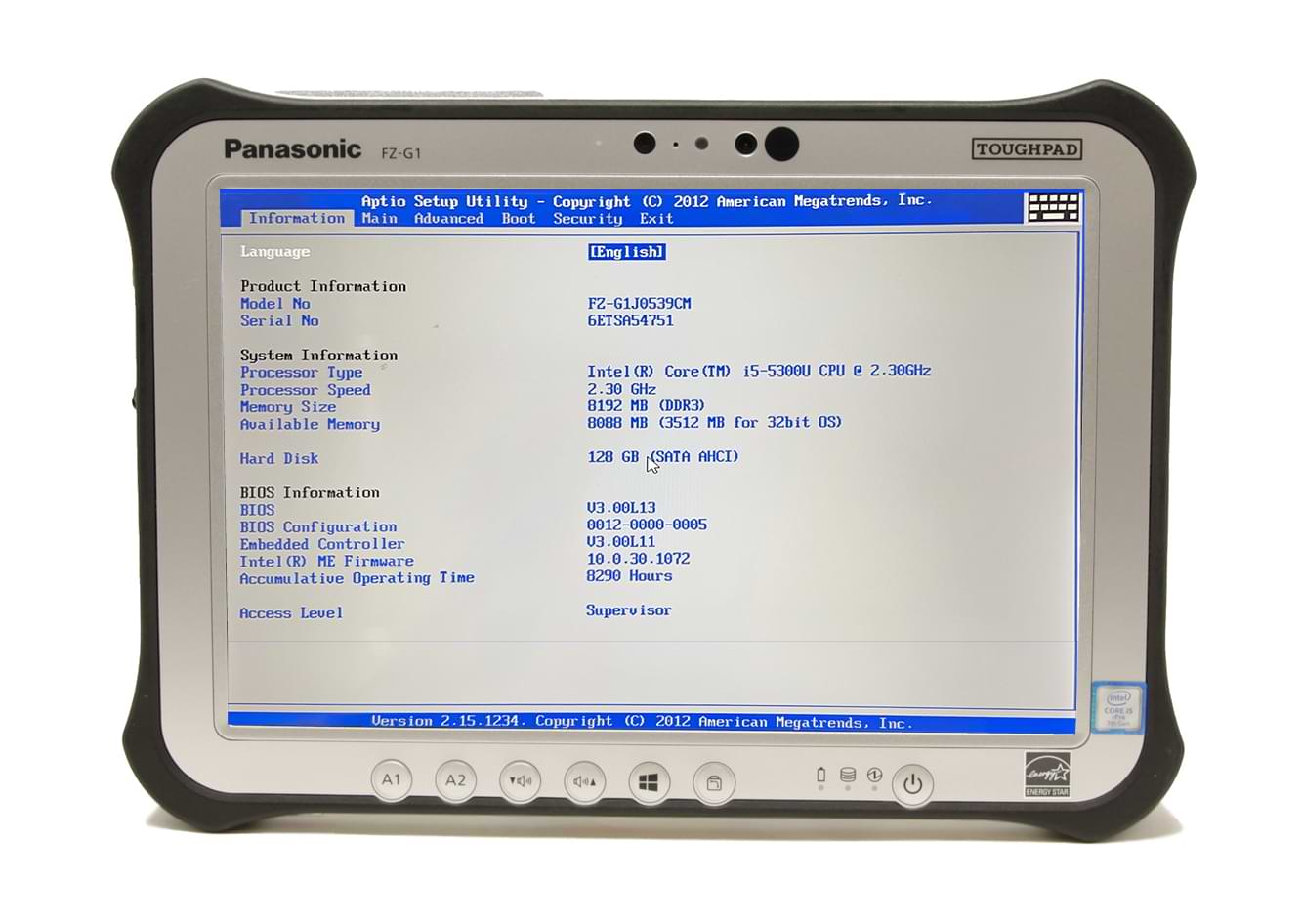 Used Toughbooks may look strong on the outside, but still have hidden issues inside. Dust or moisture damage can affect internal parts even if the outer body looks fine. Some screens may show burn-in or faded areas due to long use. Missing chargers or accessories can also lead to extra costs if you have to source them yourself.
 One of the most common problems we get people calling about is the BIOS password. Typically bought on eBay, some ToughBooks have a BIOS password that limits what you can do. There is no way to remove it; the best way to avoid getting one is to buy from a trusted seller.
Questions to Ask Before Buying a Used Toughbook
It is important to ask whether the device has been professionally refurbished and tested. You should also know if it was used in very harsh environments, as this affects its lifespan. Checking if replacement parts are easily available is also helpful for future repairs. Another important question is whether any manufacturer's warranty is still active.
Best Used Toughbook Models Worth Considering
When choosing a used Toughbook, focus on models that still offer a good balance of durability, performance, and long-term support. Some older models are extremely rugged but slower, while newer ones offer better speed and modern features but may cost more. The best choices usually depend on whether you need heavy field durability or a mix of portability and performance.
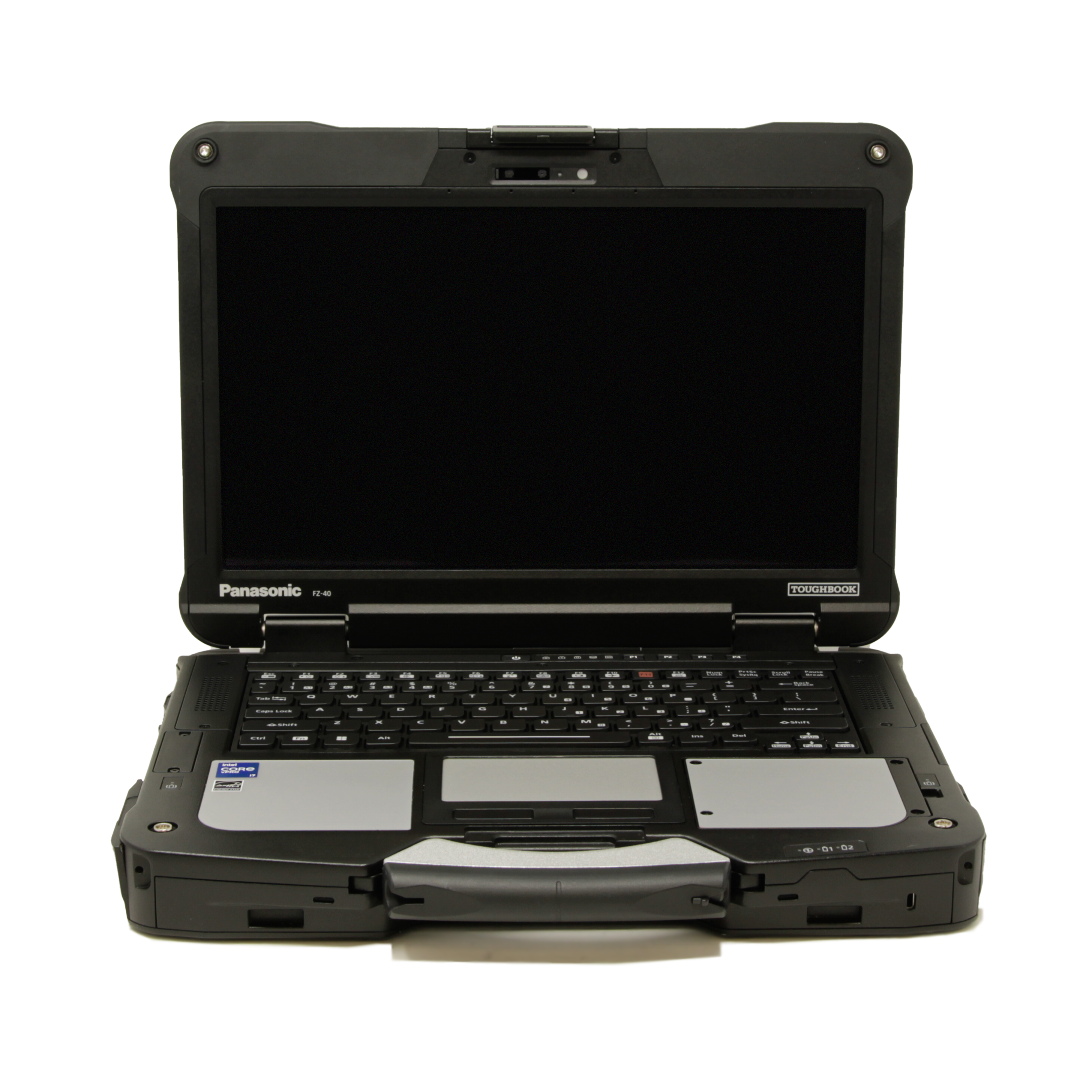 Panasonic Toughbook 40: The FZ-40 is one of the newer rugged models. It provides advanced features and high performance for demanding professional tasks. It’s not as readily available and is still expensive.
 Panasonic Toughbook CF-31: Known for its rugged build and long battery life. It is widely used in field operations and remains reliable even after years of use. A perfect option for the next couple of years until the FZ-40’s price drops.
Panasonic Toughbook FZ-55: The FZ-55 offers better performance and a modern design. It is suitable for users who need stronger processing power with rugged durability.
Panasonic Toughbook CF-33: The CF-33 is a detachable 2-in-1 device. It is lightweight and flexible, making it useful for mobile workers.
Smart Shopping for Used Toughbooks
Buying a used Toughbook can be a smart investment if it is checked carefully before purchase. Every part of the device, from the battery to the rugged features, should be tested to avoid future problems. A well-maintained unit can serve for many years in difficult working conditions.
In the end, choosing a reliable seller and properly inspecting the device makes all the difference. Trusted suppliers like Bob Johnson's Computer Stuff are often preferred because they focus on quality testing and customer satisfaction, helping buyers get dependable rugged laptops at a fair price.