

 9am – 5pm Eastern, Monday – Friday
 133 N Dupont Blvd Ste 103, Smyrna, DE 19977
 Sale Tax Free Shopping!

Warranty & Support i You can extend this warranty with our warranty options in the options menu.
Condition i We have 5 grades on our products: New, Refurbished, Low Hour, Scratch & Dent, and Open Box.
New
Sales Tax Free!
Since we're based in Delaware, we do not charge any sales tax.
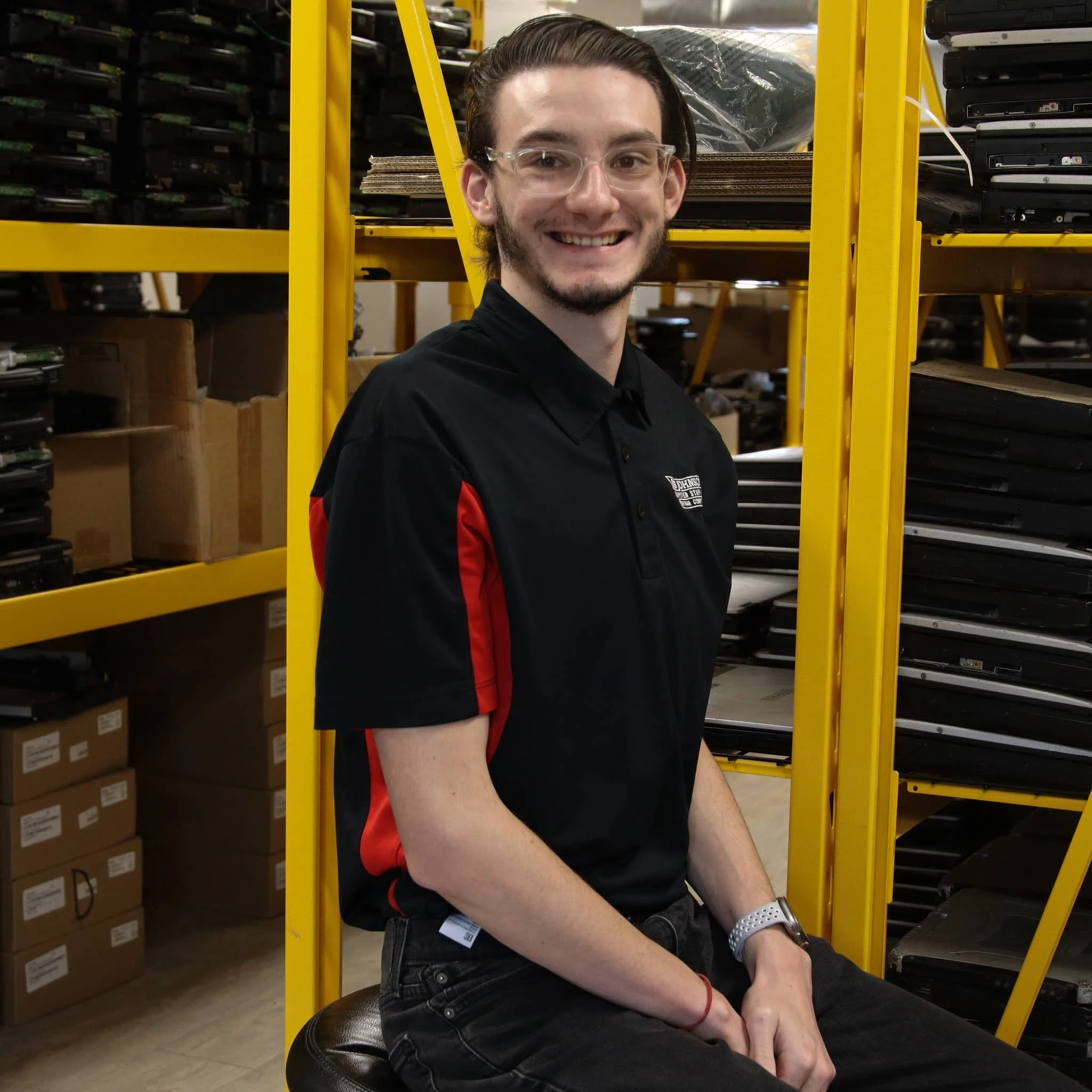
Need Assistance? Speak To One Of Our Team Members!
Doran Janeka
|Sales/Marketing
|Team Member since 2023
Need Assistance? Speak To One Of Our Team Members!
Doran Janeka
Sales/Marketing
Team Member since 2023
Operation Manual for The Panasonic Toughbook CF-30 DFQW6098WA
Learn to set up, use, and maintain your Panasonic Toughbook CF-30 with its operating manual. This manual covers:
- A quick start guide to showcase how to open, assemble and start your Toughbook for the first time, like booting Windows for the first time. Some examples of things you could run into are making a user, setting the time zone, and setting a pin or password for the laptop.
- The user guide shows you the features of your CF-30. You’ll learn how to use the Toughbook’s software applications and hardware components. You’ll also learn how to adjust internet settings, security, privacy options, and troubleshooting tips.
- The maintenance section of the manual tells you how to care for your rugged Toughbook, including how to upgrade or replace parts like the memory (RAM) or the hard drive.
- The last thing this manual includes is information about potential warranty coverage and any safety warnings about the CF-30.
Are you looking to learn all there is to know about your Panasonic Toughbook CF-30? Then order the manual for the CF-30 today, either online by pressing the "Add to Cart" button or order over the phone at 877-202-7788.
This part comes with our 30-day warranty

