

 9am – 5pm Eastern, Monday – Friday
 133 N Dupont Blvd Ste 103, Smyrna, DE 19977
 Sale Tax Free Shopping!
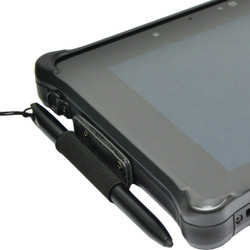
Durabook R8 Accessories
18 products
Durabook R8 Accessories
Refine by

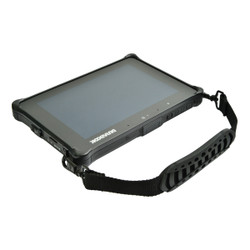


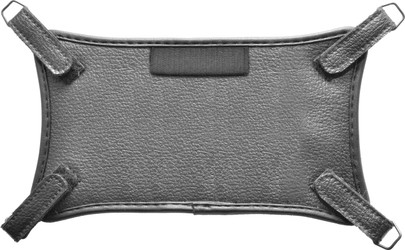
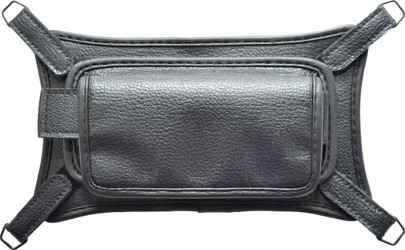
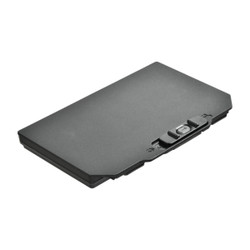

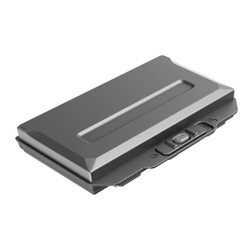
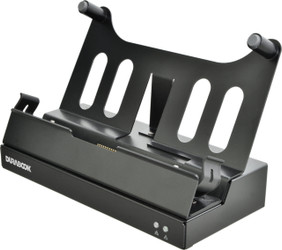


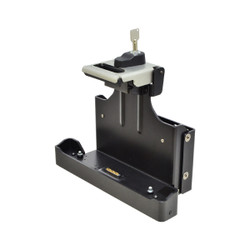


Carry, Charge, and Dock Your Durabook R8
Adapt your R8 setup for handheld tasks, desk use, or a vehicle workspace. Explore Durabook R8 accessories including straps, screen protection, replacement batteries, chargers, cradles, and docking equipment.
Choose How You Carry the Tablet
Compare a hand strap, X strap, shoulder strap, or rotating hand strap with kickstand around how you use the tablet. Check compatibility with your battery size, case, and other installed accessories before combining them.
Plan Power and Docking Together
Review standard and high-capacity battery options, external charging equipment, and compatible power adapters. A spare battery adds another power source; it does not add battery-swap support to a tablet that lacks the required hardware.
For a stationary setup, compare office docks, vehicle docks, and cradles. Confirm available ports, power-adapter inclusion, mounting requirements, and whether RF antenna pass-through is needed.
R8-EX accessories should be checked against the approved EX configuration and operating requirements. Call 302-659-2727 for help checking an accessory combination.
Frequently Asked Questions
Will an R8 carrying accessory fit with a high-capacity battery? |

Check the exact accessory and battery combination. Battery size and other installed equipment can affect fit, so confirm compatibility before ordering a case, strap, cradle, or dock.
Does a vehicle dock include power and mounting hardware? |
Contents vary. Review the listing for the vehicle adapter, cables, brackets, and mounting components, and confirm what else your installation requires.

Selection Assistance Available
Not sure which rugged computer is the right fit? We’re here to help. Fill out our quick Selection Assistance Form or give our office a call and speak with a real expert who knows these systems inside and out. We’ll take the guesswork out of the process and help you choose the best product for your needs—no pressure, just honest guidance.