

 9am – 5pm Eastern, Monday – Friday
 133 N Dupont Blvd Ste 103, Smyrna, DE 19977
 Sale Tax Free Shopping!

Durabook S15 Accessories
6 products
Durabook S15 Accessories
Refine by


Power and Connect Your Durabook S15
Set up your S15 for another desk, prepare spare power for travel, or add a compatible accessory for specific tasks. Browse Durabook S15 batteries, charging equipment, power adapters, office docking equipment, and the removable Super Multi DVD option.
Choose the Correct Power Equipment
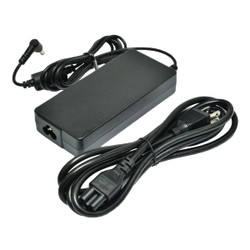
Check the adapter specified for your S15 configuration rather than choosing by connector appearance alone. Confirm wattage, electrical requirements, and whether a power cord is supplied.
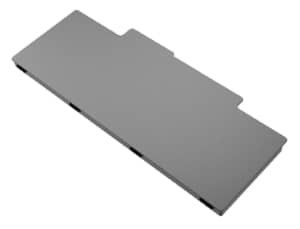
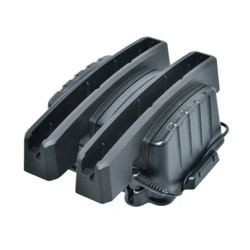
A spare battery and compatible two-bay charger can support a battery-rotation routine. Review charging compatibility and contents before ordering, especially when equipping several users.
Prepare a Desk or Media Setup
Compare the S15 office dock with your monitor, network, and peripheral requirements. Confirm the dock’s exact connections and included power supply before building your workstation around it.
If your work requires optical media, check the removable Super Multi DVD accessory against your laptop configuration and installation requirements.
Call 302-659-2727 with your S15 model information for help identifying the correct accessory.
Frequently Asked Questions
Which power adapter should I order for my S15? |

Check the power specification for your exact configuration and match the approved adapter. Contact us with the laptop model and original adapter label if you need help confirming the replacement.
Will the S15 office dock connect all my peripherals? |
Compare its exact port list with your displays, network, and equipment. Confirm connector types and any required cables rather than assuming every dock provides the same connections.

Selection Assistance Available
Not sure which rugged computer is the right fit? We’re here to help. Fill out our quick Selection Assistance Form or give our office a call and speak with a real expert who knows these systems inside and out. We’ll take the guesswork out of the process and help you choose the best product for your needs—no pressure, just honest guidance.