

Free Shipping! (USA only)
 9am – 5pm Eastern, Monday – Friday
 133 N Dupont Blvd Ste 103, Smyrna, DE 19977
 Sale Tax Free Shopping!

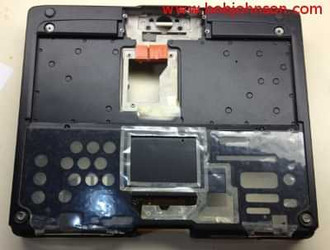

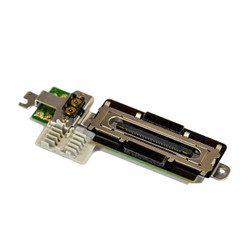

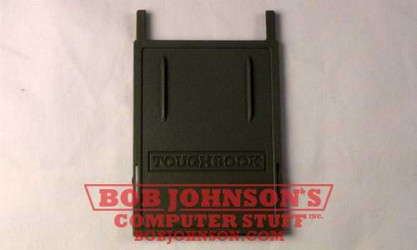

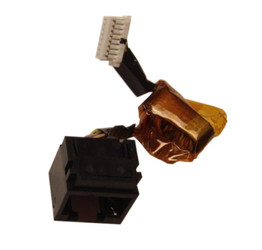
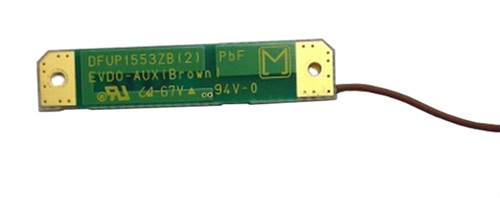
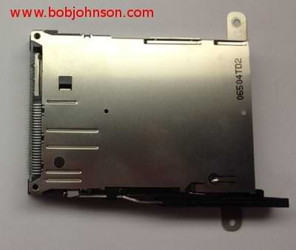



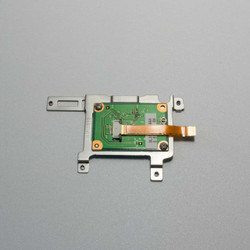
Need help finding a replacement part, upgrade, or accessory for your rugged device? Our team specializes in technical support and parts sourcing—even for items not listed on our site. Complete our Technical Support Form or call our office to speak directly with a specialist who can identify the right part, check compatibility, and answer your technical questions. We’re dedicated to keeping your equipment running smoothly—no matter where you purchased it.
All the parts listed on these pages are for the older models of Toughbook rugged laptops and tablets. The Panasonic rugged computers in this list include:
If you do not see your Toughbook model in this list, then we most likely have a dedicated parts page for that unit. You can check by clicking “Parts” on the navigation bar at the top of the screen.
Many parts listed on our website may be specific to the model laptop that they were taken from. Sometimes, the parts may not be compatible with laptops that share the same model number but differ in generation. For example, our replacement serial port, USB, NIC, and camera board is only for the MK1 CF-H2. It will not work on the MK2 or MK3 versions of this Toughpad.
The first thing you need is your Toughbooks model number. You can find the model number on the bottom of the laptop on a sticker or by booting the unit in BIOS and navigating to the “Information” tab.
After you get this number, the sixth character including the hyphen will tell you which MK or version you have. So, if you have a CF-52 semi-rugged laptop, the model number would begin with “CF-52.” The table below provides all the potential options for the Toughbook CF-C2, CF-H2, and CF-52.
| Toughbook CF-C2 | Toughpad CF-H2 | Toughbook CF-52 |
|
MK1 - A |
MK1 - A / B / C |
MK1 - A / B / C / D |
An example of a CF-52 model number is “CF-52GGNBX2B.” Notice that the first character after CF-52 in the number is “G,” which makes this particular unit a CF-52 MK2. Our blog post on Toughbook Model Numbers is a good read for anyone interested in learning more about how these numbers work.
We ask that you share your full model number with us so that we can be assured of sending the correct part. Knowing the model number of your Toughbook allows us to double-check and guarantee that you get the correct component. If you are looking at the wrong part for your model or generation, we will help you purchase the correct one.
Over the years, we have collected the units listed on this page. When we source laptops or tablets, we buy a batch, and they are not always guaranteed to work as soon as they arrive. Most of the time, we have to replace a few parts to sell them on our website.
Some get ruled as not worth repairing because of cosmetic damage or because it is not worth the time to fix the problem. When this happens, these computers become parts units. After we get an abundance of these quality computers, we take one entirely apart, take pictures of all the parts, and post them here on our website. The rest earn a spot on our shelf until an order for a part comes in. Then, one of our technicians removes the component from one of these computers, tests it, and it is on its way.
There is more than one way to obtain the help you need from us at BJCS. You can submit our tech support form and rely on our knowledgeable technicians to provide any necessary information. Alternatively, you can contact our office at 302-659-2727, and we will make sure that we get you to the most suitable person to assist you.
Several videos on our YouTube Channel will walk you through installing and repairing these Toughbooks. If you encounter any problems while using one of these videos, please leave a comment. We respond to our YouTube comments at least once daily, Monday through Friday. If you feel unsure about doing a repair on your own, there is no need to worry! At BJCS, we have a complete repair center that can assist you. Simply fill out our repair form and send us your laptop that needs repair. We have skilled technicians who specialize in repairing Toughbooks, and they will ensure that your rugged Toughbook is working flawlessly before sending it back to you.