


Free Shipping! (USA only)
 9am – 5pm Eastern, Monday – Friday
 133 N Dupont Blvd Ste 103, Smyrna, DE 19977
 Sale Tax Free Shopping!
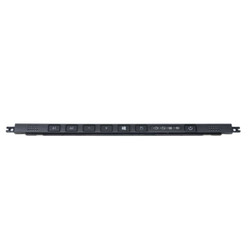
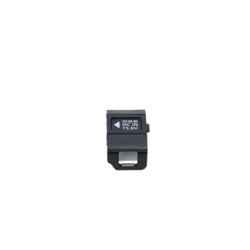


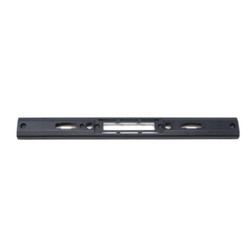

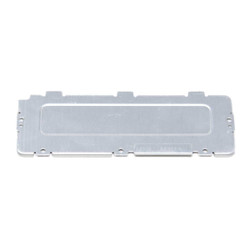
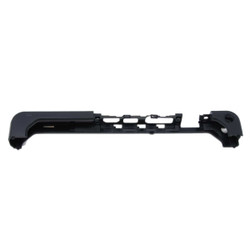
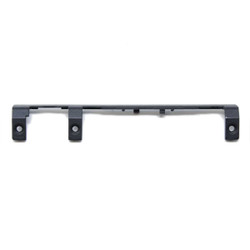


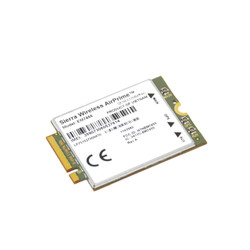
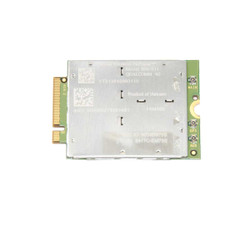

We are diligently working on listing all of our available Panasonic Toughbook CF-33 parts. If you are looking for a part for your fully rugged CF-33 that you do not see, call our office at 302-659-2727. We will do our best to source one for you and give you the best price. Please note that this price does not include the shipping cost.
In order to purchase our parts, we ask that you provide the unique model number from your CF-33 fully rugged laptop. We need this information so that we can be 100% certain that you are getting the correct part for your computer.
You can find the model number in one of two places. The first is on the bottom of the laptop on a sticker, and you can find the second after you boot it into BIOS. Once you find the model number, you can tell which MK you have based on the first character after the “CF-33” in the number. As of this writing, these are all of the potential options that the first character could be:
In our office, we currently have a CF-33 with the model number “CF-33AFYEJVM” in inventory. Based on this model number, the “A” after “CF-33” indicates it is an MK1. If you have any more questions about how Toughbook Model Numbers work, check out our blog.
Often, we order a batch of used computers, or customers send their current computers in when they upgrade. Not every laptop that comes into our office meets our Grade A quality standards. Sometimes we run a Scratch and Dent special on beat-up units, but most of the time we set them aside as parts units.
These parts units help some of our rugged laptops earn that Grade A rating, or we offer them as used parts on our website. That said, we have an abundance of parts in our inventory ready for immediate shipping.
These parts for your Panasonic Toughbook CF-33 have been thoroughly inspected and certified by our technicians to ensure the highest quality possible.
|
|
Do you carry all CF-33 parts? |
|
|
How quickly can I receive my part? |
|
|
Do I need to provide my model number when ordering? |

Need help finding a replacement part, upgrade, or accessory for your rugged device? Our team specializes in technical support and parts sourcing—even for items not listed on our site. Complete our Technical Support Form or call our office to speak directly with a specialist who can identify the right part, check compatibility, and answer your technical questions. We’re dedicated to keeping your equipment running smoothly—no matter where you purchased it.