

Free Shipping! (USA only)
 9am – 5pm Eastern, Monday – Friday
 133 N Dupont Blvd Ste 103, Smyrna, DE 19977
 Sale Tax Free Shopping!

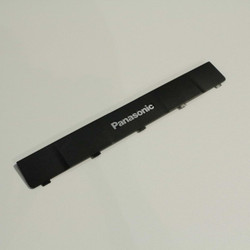


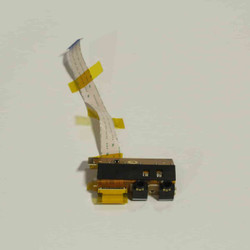


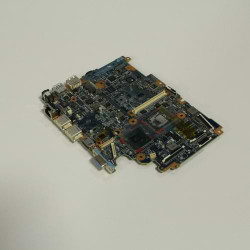

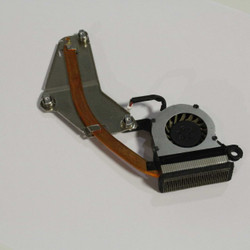
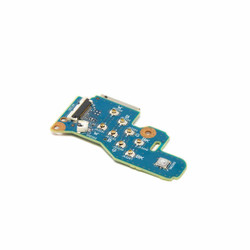
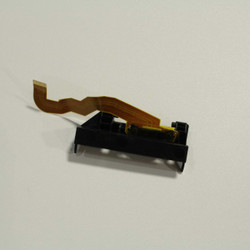
These pages contain all of the repair components for the CF-53 semi-rugged laptop that can keep it fully operational for the long haul. We have an abundant supply of all these components prepared to ship immediately. Before ordering, be sure that you are ordering the correct part for the generation of the CF-53 Toughbook that you have.
There are four different generations of these laptops, and some slight differences between the components. For example, the non-touch replacement touch screen that we have listed can only work in an MK1 or MK2 CF-53. It will not work if you try to put it in an MK3 or MK4.
The easiest way to learn about Toughbook Model Numbers is to read our blog post about them. Here we break down all of the different models into their different generations.
You can find the model number on your laptop by looking at the bottom sticker or booting the unit up in BIOS. The simplest way to tell the mark of a CF-53 Toughbook after you find the model number is by the first character after the “CF-53” in the model number. That first character can be any of the following:
Here is an example from one of the CF-53s in our office. Its model number is “CF-532U64PNM,” and because there is a “2” after the “CF-53” in the model number, you can tell that this one is an MK4.
You must know this number before completing any part purchase on our website. We ask you to provide the model number from your Toughbook to ensure you get the correct part for your laptop.
You can upgrade your CF-53 laptop with features you do not have with some of the listed components. An example of a feature that you can add is a Gobi card. It allows you to use mobile data as an internet source on your Toughbook, which significantly helps anyone who works on the go. Just don’t forget to download the drivers so the card works properly.
Ready to get your CF-53 Toughbook back in top shape? Browse our selection of replacement and upgrade parts, and place your order today to keep your device running strong. If you have any questions or need help finding the right part, our team is here to assist—contact us for expert support!
|
|
Do You Need Help Finding A Panasonic CF-53 Part? |
|
|
How Does BJCS Get So Many CF-53 Toughbook Parts? |
|
|
What if I install a part and it doesn’t work? |
Need help finding a replacement part, upgrade, or accessory for your rugged device? Our team specializes in technical support and parts sourcing—even for items not listed on our site. Complete our Technical Support Form or call our office to speak directly with a specialist who can identify the right part, check compatibility, and answer your technical questions. We’re dedicated to keeping your equipment running smoothly—no matter where you purchased it.