

 9am – 5pm Eastern, Monday – Friday
 133 N Dupont Blvd Ste 103, Smyrna, DE 19977
 Sale Tax Free Shopping!
Toughbook vs Dell Rugged: Which Is Better?
9th Oct 2026
If your laptop is constantly on the move, either in a truck or on the shop floor, then a normal consumer model won’t last very long. It gets broken by dust, drops, water, shock, and temperature extremes rather fast. That’s where rugged laptops come into play, and there are only two big players out there – Panasonic Toughbook and Dell Rugged. Both brands specialize in making durable laptops, but they do it in their own ways.
What Makes a Laptop "Rugged"?
Rugged laptops are tested against standards such as MIL-STD-810H, which covers drops, vibration, humidity, and temperature extremes. Many also carry IP ratings, such as IP65 or IP66, which describe resistance to dust and water. Beyond the badges, true rugged design means sealed ports, a reinforced chassis, sunlight-readable screens, and components chosen to work in harsh conditions. Not every "tough" laptop is equally tough, so always check which tests and ratings apply to the exact model you are buying.
Panasonic Toughbook: The Original Tough Machine
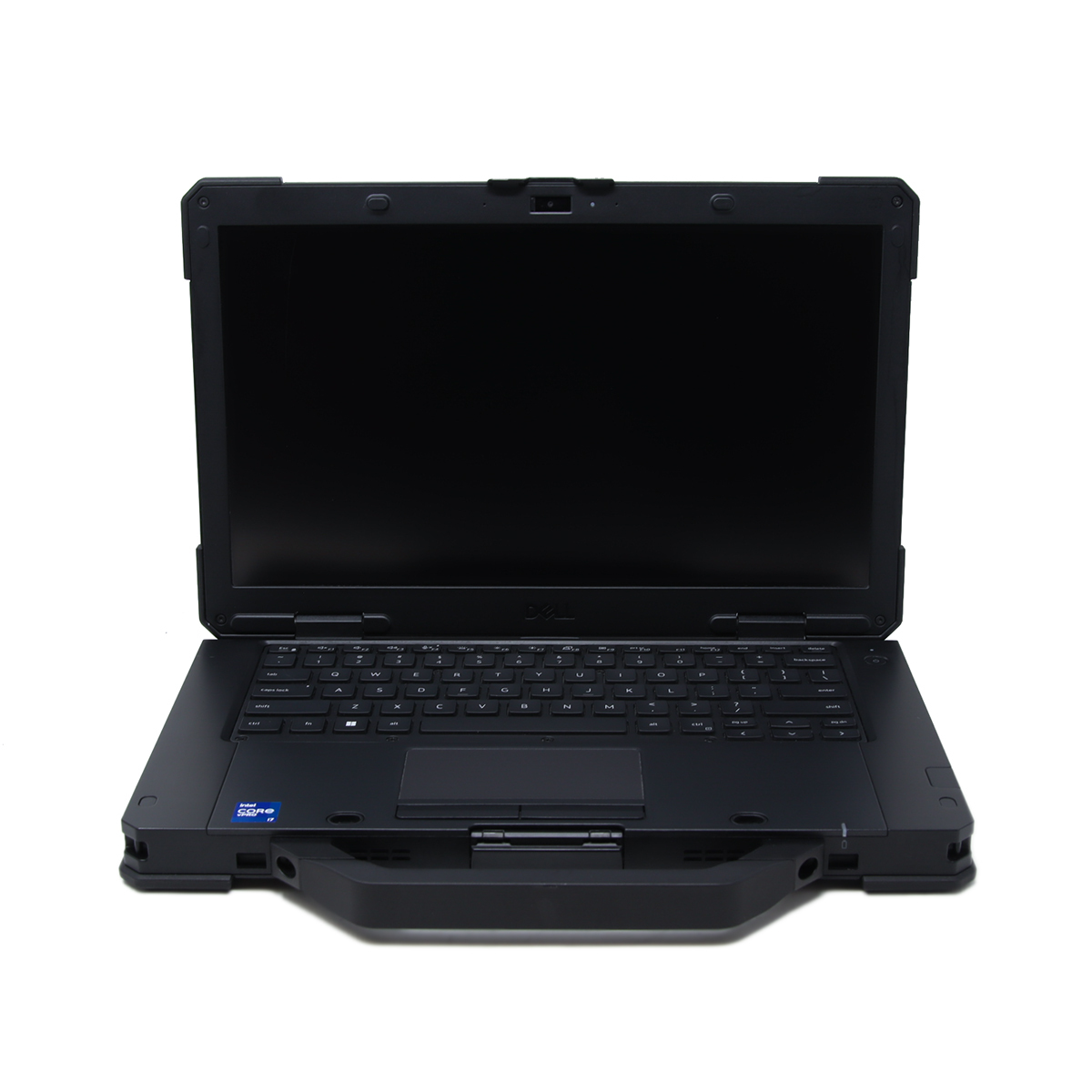 Panasonic has built Toughbooks since the mid-1990s, and the brand has become almost a synonym for rugged computing. Its range covers fully rugged laptops, semi-rugged laptops, detachable 2-in-1s, and tablets. Many models use a magnesium alloy chassis, offer modular bays for extra hardware, and support hot-swappable batteries so you can keep working all day without shutting down.
Toughbooks are favored by military teams, utilities, public safety agencies, and field service crews. Their biggest strengths are proven durability and long product lifecycles. The trade-offs are higher prices, extra weight on some models, and designs that can look dated next to modern business laptops.
Dell Rugged: Enterprise Muscle
Dell entered the rugged market with its Latitude Rugged line, which includes fully rugged "Extreme" models and semi-rugged options. These machines feel familiar to anyone who has used a Latitude, and they plug directly into the management, security, and deployment tools many IT departments already use.
Dell Rugged models often offer modern Intel processors, bright touchscreens, and strong configuration choices. Several Extreme models support hot-swappable batteries too. The main advantage is simplicity for companies that already standardize on Dell hardware and want one vendor for everything.
Head-to-Head Comparison
|
Category
|
Panasonic Toughbook
|
Dell Rugged
|
|---|---|---|
|
Durability
|
Fully rugged magnesium builds; MIL-STD-810H and IP65/IP66 on many models
|
MIL-STD-810H and IP ratings on Extreme models; semi-rugged options too
|
|
Performance
|
Intel and AMD options; modular configurations
|
Intel Core options; strong business configurations
|
|
Display
|
Sunlight-readable, glove and rain-friendly touch
|
Bright options with glove and wet-touch modes
|
|
Battery
|
Hot-swappable on many models
|
Hot-swappable on Extreme models
|
|
Price
|
Premium
|
Often more competitive, especially in volume
|
|
Support
|
Rugged-specialist service and long lifecycles
|
ProSupport and a huge enterprise network
|
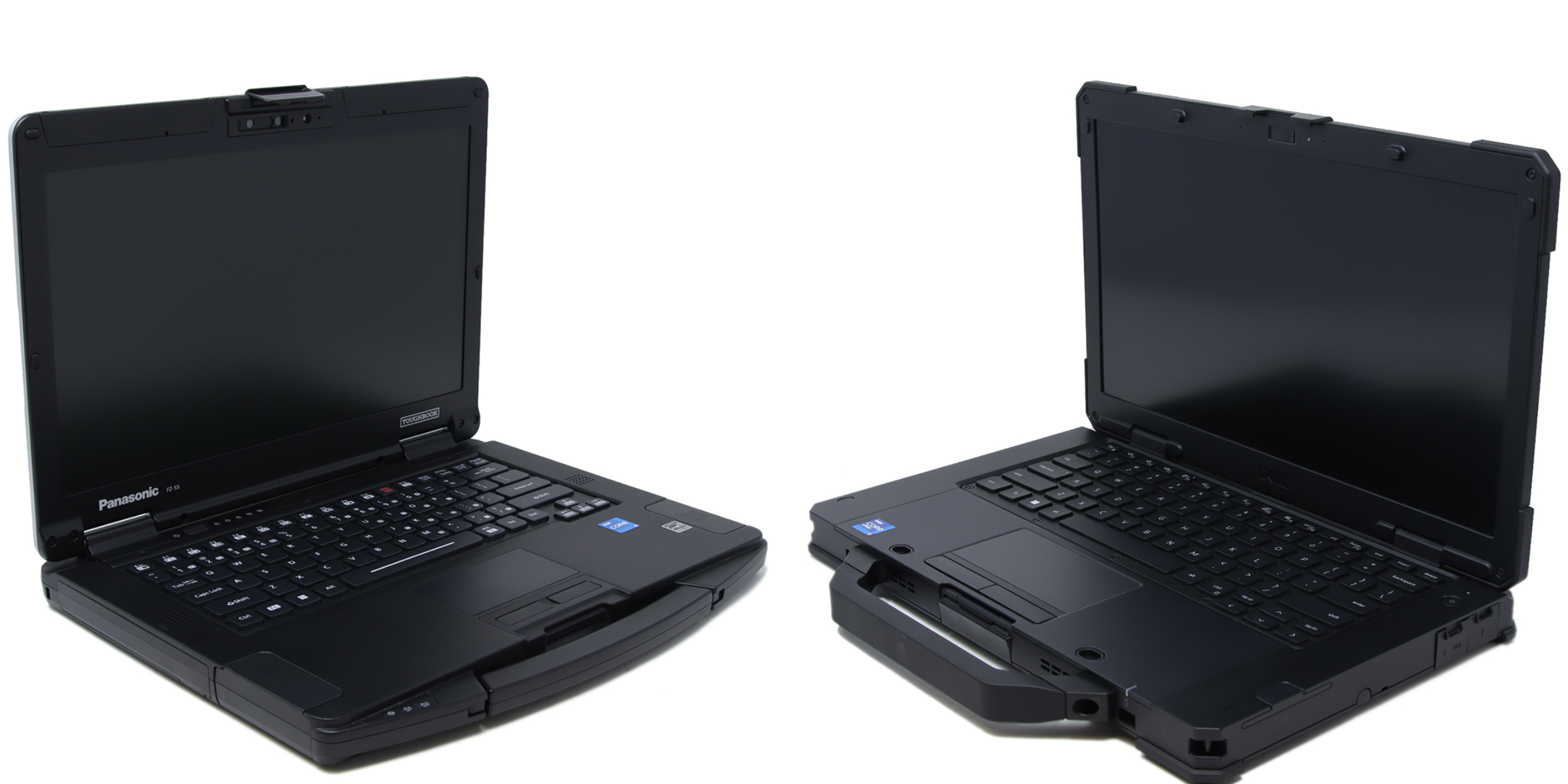
Durability and Build Quality
This is where Toughbook has the edge. Panasonic focuses almost entirely on rugged devices, and its fully rugged models are engineered for repeated drops, crushing weight, and heavy rain. Dell Rugged Extreme machines are also seriously tough, but Dell's lineup mixes in semi-rugged models that suit lighter conditions. If your device faces genuine abuse daily, Toughbook's track record is hard to beat.
Performance and Usability
Dell tends to feel like a modern business laptop, with fast processors, polished software, and easy integration into corporate systems. Toughbook offers excellent performance too, plus more modular flexibility, such as swappable bays and customizable ports. If you need specialized hardware like barcode readers or serial ports, Toughbook often gives you more options.
Display and Battery Life
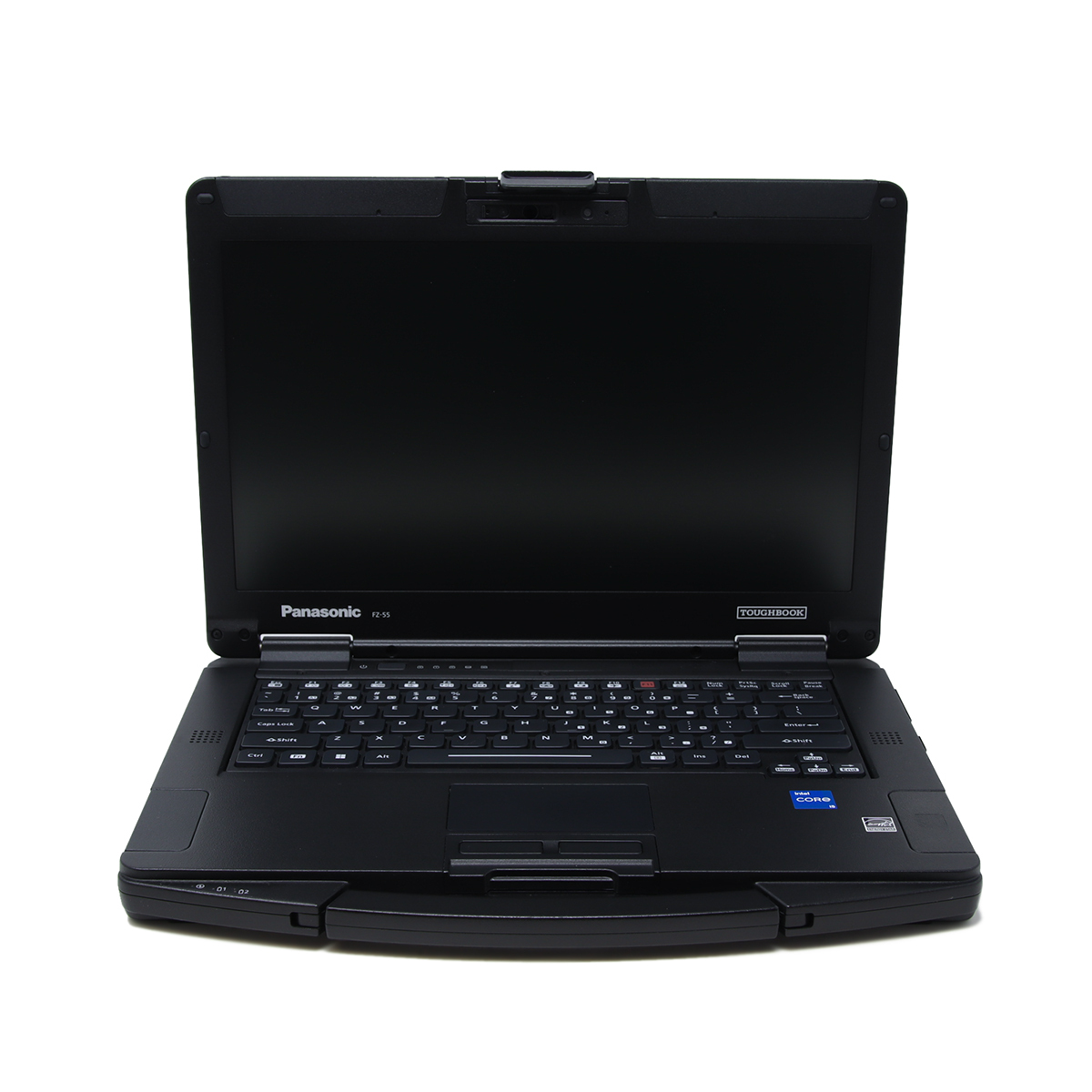 Outdoor visibility matters more than most buyers expect. Both brands offer bright, sunlight-readable screens with touch modes that work with gloves or in the rain. Battery life is similar in practice, and the real advantage comes from hot-swappable batteries. Being able to replace a battery without powering down is a major benefit for crews working long shifts far from a power outlet, and both brands deliver it on their top models.
Size, Weight, and Portability
Fully rugged laptops are heavier than ordinary notebooks, and that applies to both brands. Dell's Extreme models are relatively slim and light for their class, which appeals to people carrying a device all day. Toughbook offers both heavier, tougher machines and lighter options such as detachable 2-in-1s, so you can often find a good balance between protection and portability.
Price and Support
Toughbooks usually cost more upfront, but their long lifespans can lower total cost of ownership. Dell often wins on price, particularly for fleet orders, and its global support network is a major plus for large organizations. Smaller teams in tough industries may prefer Panasonic's specialist support, while big enterprises may value Dell's scale.
Which One Should You Choose?
The right answer depends on your environment and your organization.
- Choose Toughbook if: your devices face extreme abuse, you work in defense, utilities, or public safety, or you need modular flexibility and long product lifecycles.
- Choose Dell Rugged if: you already run a Dell-based IT environment, you want easier fleet management, or you need rugged capability at a more competitive price.
Final Verdict
There is no single winner for everyone. For maximum toughness and specialist features, Panasonic Toughbook is the stronger choice. For enterprise convenience, familiar tools, and better value across large deployments, Dell Rugged is hard to ignore. Specifications change with every generation, so compare the latest spec sheets and, if possible, test a unit in your real working conditions before buying.
Frequently Asked Questions
|
|
Are rugged laptops worth the cost? |

Yes, if your work involves harsh conditions. Replacing broken consumer laptops repeatedly usually costs more over time.
|
|
Do rugged laptops run standard software? |
Absolutely. Both brands run Windows and all your usual business applications. Make sure that the laptop that you choose has the correct amount of RAM and a strong enough processor for the application that you would like to run.
|
|
Can I customize a Panasonic Toughbook or Dell Latitude? |
Both brands offer configuration options, though Toughbook offers more options when it comes to GPS and Cellular.