

Free Shipping! (USA only)
 9am – 5pm Eastern, Monday – Friday
 133 N Dupont Blvd Ste 103, Smyrna, DE 19977
 Sale Tax Free Shopping!







The list of laptops and tablets that we support is:
To find the full model number of your Toughbook or Toughpad, simply check the bottom or back of your computer. You can also refer to this YouTube video for a demonstration. The model number will start with “CF-”(or “FZ-” in some cases). For example, if you have a Panasonic Toughbook CF-31, the model number could be “CF-31SFL031M.” Then, the 5th character of this number, or the character after CF-31, is how you tell which MK or generation it is. You can learn more about the versions of Toughbooks in our blog post about Toughbook Model Numbers for Nerds.
You have many upgrade options for your rugged computer that can improve its performance. While your computer may not require these parts, adding them can provide extra functionality. These upgrades include a fingerprint reader, a GPS card, a mobile data card, and more.
We have gotten our hands on almost every rugged laptop and tablet that has ever hit the market. That means we have seen a lot in the 31 years we have been doing business. When we accept trade-ins and buy batches of used computers, there is no guarantee that the computers we get will function fully. So, when they don’t, we set those laptops and tablets aside to be used as part units.
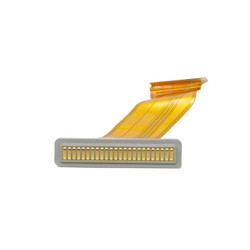
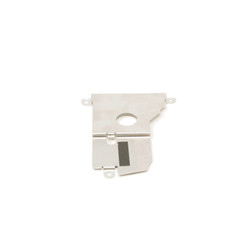
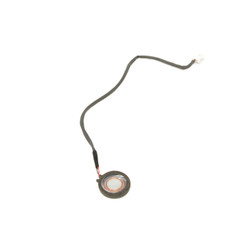
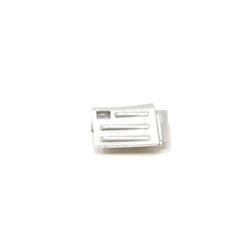
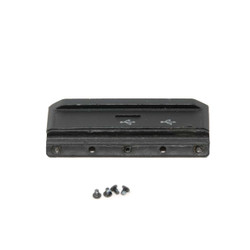
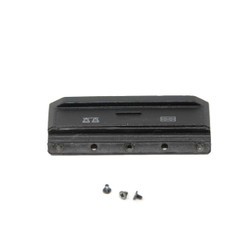
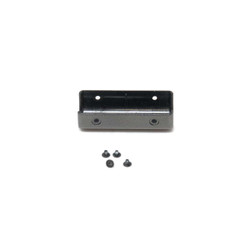
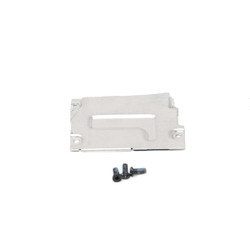
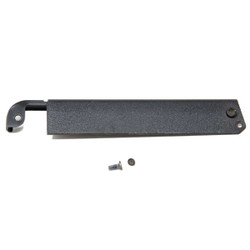
When we get enough, we take one apart, take pictures of each part, and post them for sale on our website. Our technician experts check all used parts before sending them out to ensure they're top quality. And the best thing about these used parts is that they are OEM, so they will fit right into your rugged computer.
Because Panasonic and Getac have different generations of their computers, finding the correct replacement part for one of their units can get confusing. If you need help making sure you purchase the right part for your computer model, you have two options for assistance. You can fill out the tech support form and one of our expert technicians will get you the information and links you need. You can also call our office at 302-659-2727.
If you intend to replace the part yourself, refer to our step-by-step repair guides on our YouTube Channel. If you encounter any difficulties during your repair, comment on the video, and we will reply. We check our videos for comments at least once a day during the week.
If you would prefer we handle the repair for you, all you have to do is fill out our repair form and send it to our repair department. One of our skilled technicians will handle the repair and get your computer back to you as quickly as possible.
|
|
How long does shipping take for replacement parts or repairs? |
|
|
Is there any warranty or guarantee on the used replacement parts? |
|
|
Can you help with compatibility for upgrades not listed, like RAM or SSDs? |
|
|
What payment methods do you accept for parts and repair services? |

Need help finding a replacement part, upgrade, or accessory for your rugged device? Our team specializes in technical support and parts sourcing—even for items not listed on our site. Complete our Technical Support Form or call our office to speak directly with a specialist who can identify the right part, check compatibility, and answer your technical questions. We’re dedicated to keeping your equipment running smoothly—no matter where you purchased it.