

 9am – 5pm Eastern, Monday – Friday
 133 N Dupont Blvd Ste 103, Smyrna, DE 19977
 Sale Tax Free Shopping!
A Complete Comparison of Panasonic Toughbook CF-31 MK Generations
31st Jul 2026
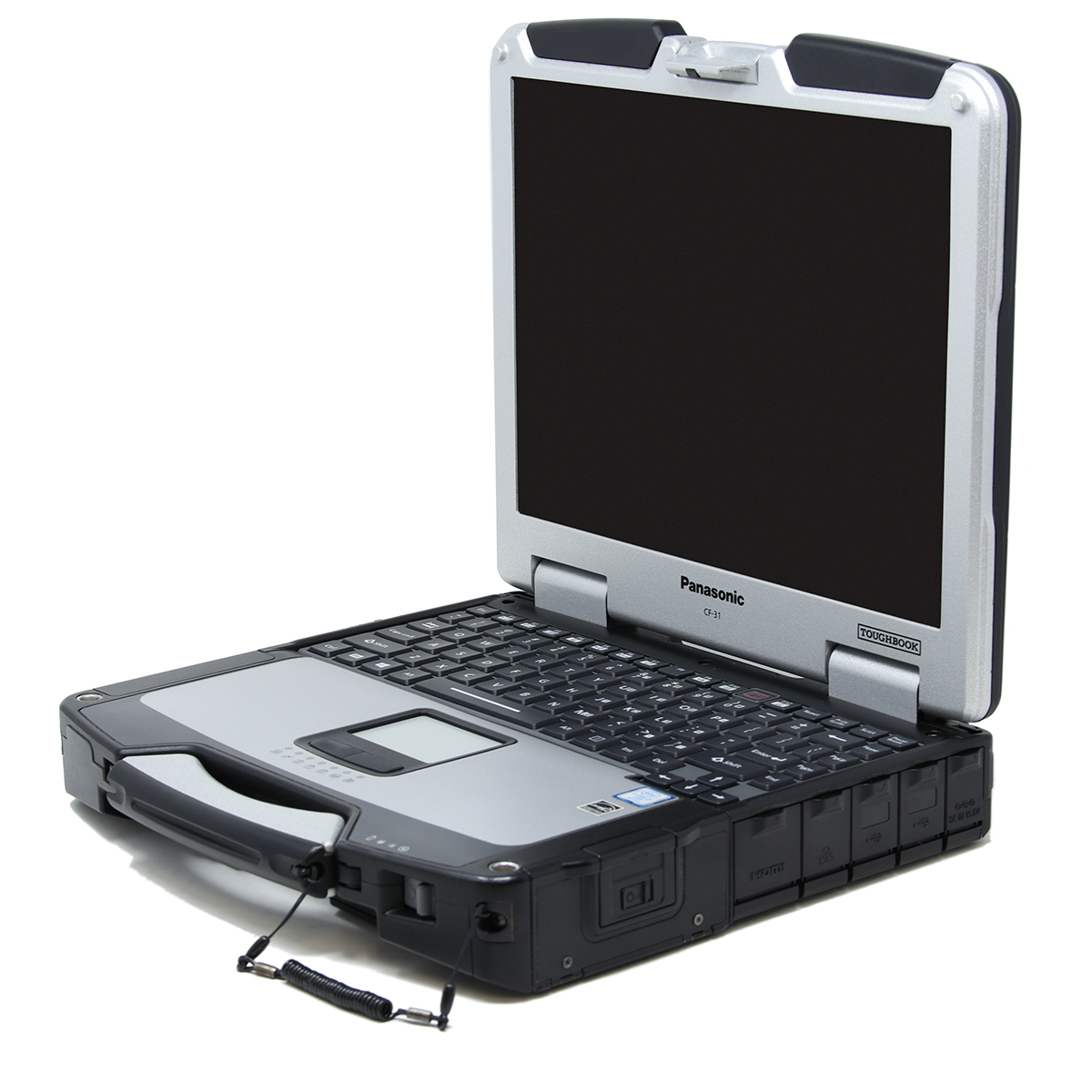
The Panasonic Toughbook CF-31 earned a reputation as one of the most durable rugged laptops ever built. During its long production run, Panasonic released six different generations (known as “MK” versions), each bringing improvements in performance, memory support, efficiency, and hardware.
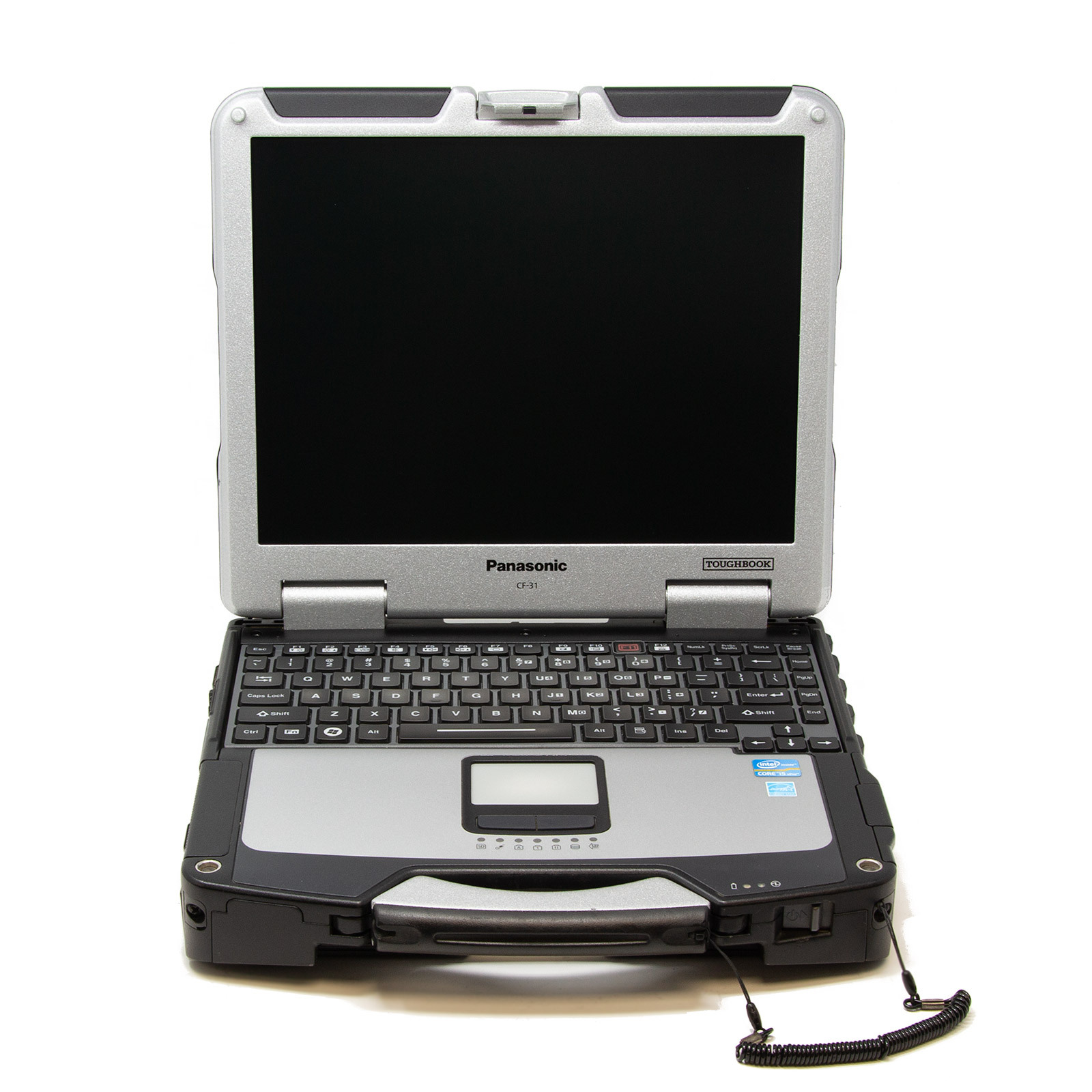
At first glance, every CF-31 looks almost identical. The rugged magnesium alloy chassis, 13.1-inch sunlight-readable display, and expansion options remained largely unchanged throughout the product’s lifespan. However, under the hood, the differences between each generation are significant.
If you’re shopping for a used or refurbished CF-31, understanding these differences can help you choose the right model for your budget and workload.
Quick Comparison
| Model | Processor Generation | Maximum RAM | Memory Type | Best For |
|---|---|---|---|---|
| CF-31 MK1 | 1st Gen Intel Core | 8GB | DDR3 | Basic office work |
| CF-31 MK2 | 2nd Gen Intel Core | 16GB | DDR3 | General business use |
| CF-31 MK3 | 3rd Gen Intel Core | 16GB | DDR3 | Faster multitasking |
| CF-31 MK4 | 3rd Gen Intel Core (updated) | 16GB | DDR3 | Better graphics and efficiency |
| CF-31 MK5 | 5th Gen Intel Core | 16GB | DDR3L | Modern Windows 10 performance |
| CF-31 MK6 | 7th Gen Intel Core | 64GB | DDR4 | Heavy multitasking and demanding applications |
The Biggest Difference: Processor Performance
The most noticeable upgrade between the different CF-31 generations is the processor.
 Each new MK introduced a newer Intel Core processor, improving speed, battery efficiency, and graphics performance.
- MK1 uses 1st Generation Intel Core processors.
- MK2 upgrades to 2nd-generation Intel Core CPUs, delivering a noticeable performance increase.
- MK3 introduces 3rd Generation Intel processors with better integrated graphics and improved power efficiency.
- MK4 continues to use 3rd-generation processors, with updated hardware configurations and refinements.
- MK5 jumps to Intel’s 5th Generation Broadwell platform, bringing lower power consumption and much faster overall responsiveness.
- MK6 features Intel’s 7th Generation Kaby Lake processors, making it the fastest CF-31 ever produced with improved graphics, faster storage support, and better overall system performance.
For everyday tasks like web browsing, Microsoft Office, vehicle diagnostics, or field reporting, even older models still perform well. However, if you regularly multitask or run demanding software, the newer generations feel considerably faster.
RAM Capacity Changes
Memory support is another major difference among generations.
The original CF-31 MK1 supports up to 8GB of DDR3 RAM. While this is enough for basic productivity tasks, it can become a limitation when running multiple applications or modern versions of Windows.
The CF-31 MK2 through MK5 all increase the maximum supported memory to 16GB.
- Windows 10/11
- Office applications
- Web browsing
- GPS software
- Diagnostic programs
- Light virtualization
These generations offer a significant improvement over the original MK1 for multitasking.
The CF-31 MK6 is in a completely different class.
Instead of DDR3 memory, Panasonic upgraded the platform to DDR4 RAM, allowing configurations of up to 64GB. This provides substantially more memory bandwidth while also improving power efficiency. Panasonic officially offered DDR4 memory configurations, and higher-capacity upgrades are widely used in the refurbished market.
If you’re running virtual machines, CAD software, GIS mapping, large databases, or multiple diagnostic applications simultaneously, the MK6 has a huge advantage.
Should You Buy an Older CF-31?
 That depends on what you plan to do with it.
Choose a MK1 if:
- You need the lowest-cost option.
- Your workload is very light.
- 8GB of RAM is sufficient.
Choose a MK2, MK3, or MK4 if:
- You want a balance of affordability and performance.
- You plan to upgrade to 16GB of RAM.
- You’ll mainly use Office, browsers, and diagnostic software.
Choose a MK5 if:
- You want noticeably better performance.
- You need excellent Windows 10 compatibility.
- Battery life and efficiency are important.
Choose a MK6 if:
- You want the fastest CF-31 ever built.
- You need up to 64GB of RAM.
- You run demanding professional applications.
- You want the longest useful lifespan from your investment.
Which CF-31 Generation Offers the Best Value?
For many buyers, the CF-31 MK5 offers the best balance between price and performance. It delivers modern-day usability while remaining considerably less expensive than an MK6.
If your workload requires more memory or maximum performance, the MK6 is the clear winner thanks to its newer 7th Generation Intel processor and DDR4 memory support.
Older models like the MK2, MK3, and MK4 remain excellent choices for users who need a dependable, rugged laptop at a lower price point, especially for field service, fleet management, public safety, or industrial applications where reliability matters more than raw speed.
Choosing the Right CF-31 MK
Although every Panasonic Toughbook CF-31 shares the same rugged design, each MK generation offers meaningful performance improvements. The two biggest differences are the processor generation and supported memory.
- MK1 is limited to 8GB of DDR3 RAM.
- MK2 through MK5 support up to 16GB of DDR3 memory.
- MK6 introduces DDR4 memory with support for up to 64GB, making it the most capable and future-ready version of the CF-31.
If you’re planning to keep your Toughbook for several years or need the best possible performance, the MK6 is the obvious choice. However, for many users, a well-equipped MK5 or MK4 still provides excellent value and delivers the legendary durability that made the CF-31 one of Panasonic’s most successful rugged laptops.