

 9am – 5pm Eastern, Monday – Friday
 133 N Dupont Blvd Ste 103, Smyrna, DE 19977
 Sale Tax Free Shopping!
Are Rugged Laptops Worth It? A Brutally Honest Guide
24th Jul 2026
It’s no secret that a rugged laptop costs more than a traditional laptop. If you’re comparing prices, you might wonder why. The answer, however, isn’t as simple as it sounds since the purchase price only tells part of the story. A better question is whether rugged laptops are worth it for your operation over the long term.
This guide separates marketing gimmicks from reality to help you decide if a rugged device is worth the extra expense for your use case.
Why Do Rugged Computers Cost More Than Traditional Laptops?
The price gap between rugged laptops and traditional laptops isn’t arbitrary, nor is it just a brand premium. Instead, it reflects the additional engineering, rigorous testing, specialized hardware, and longer support lifecycle that go into designing a rugged device.
More Engineering Goes Into Every Device
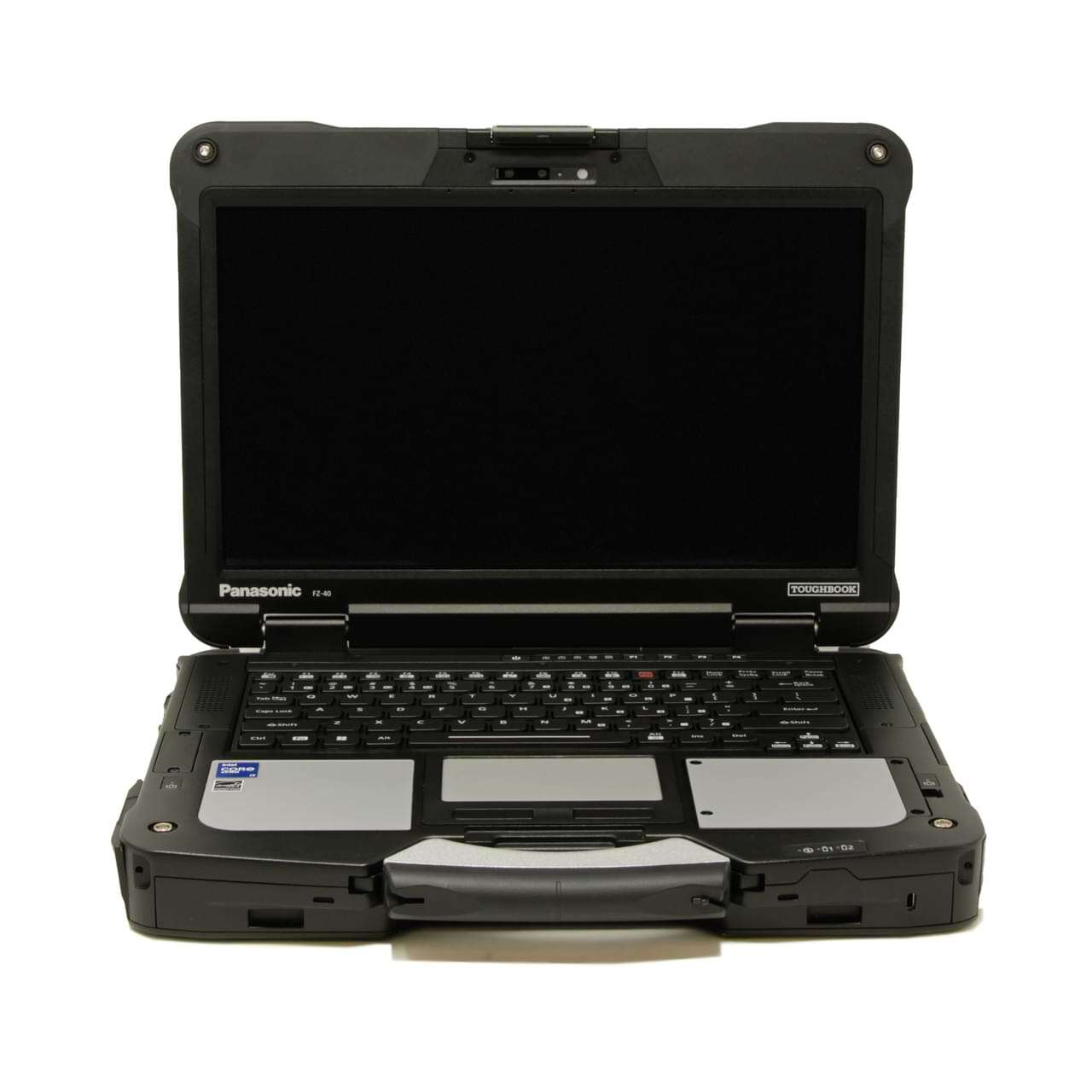
Rugged computers cost more because they are purpose-built for harsh environments. This requirement needs significantly more engineering to perform reliably in demanding places like construction sites, military vehicles, utility trucks, manufacturing floors, or remote outdoor locations that would quickly damage a standard laptop.
That difference shows up in several key design features, including:
- Reinforced chassis and structural frame: Fully rugged laptops are typically manufactured with materials such as magnesium alloys to create a lightweight mobile device. That build also helps absorb vibration instead of transferring it to delicate internal components.
- Reinforced ports and connectors: USB ports, power jacks, Ethernet ports, and other connection points are reinforced and protected with heavy-duty covers. This added protection helps prevent damage from repeated use while keeping out dust and moisture.
- Passive thermal management: Many rugged laptops eliminate cooling fans altogether, using the metal chassis itself to dissipate heat. A fanless design also reduces the number of openings where water, dust, or sand can enter the system.
Testing and Certifications Increase Development Costs
Rugged manufacturers do not just claim durability. They prove it through standardized, repeatable testing. Most rugged laptops are validated against MIL-STD-810H, the U.S. Department of Defense standard for environmental testing, which covers shock, vibration, temperature extremes, and humidity.
Water and dust resistance is measured separately through IP (Ingress Protection) ratings, defined by the international standard IEC 60529. An IP65 rating, for example, means a device is dust-tight and protected against water jets. Earning these ratings takes repeated validation and, often, destructive testing of production units.
Specialized Features Built for the Field
Rugged laptops include hardware that most office computers rarely offer. The features below help workers stay productive in demanding field environments:
- Sunlight-readable displays that remain visible in direct daylight
- Hot-swappable batteries that keep a laptop running through a full shift
- Glove-compatible touchscreens for cold-weather and safety-glove use
- Dedicated GPS and expansion ports for navigation and connectivity in the field
- Vehicle docking compatibility for mobile and vehicle-mounted work
Platform Stability Simplifies Fleet Management
As deployments grow, replacing existing infrastructure becomes increasingly disruptive and cost-prohibitive. That infrastructure includes docks, vehicle mounts, and accessories across dozens or even hundreds of vehicles. To reduce those disruptions, rugged manufacturers design platforms for long-term deployments.
For instance, Panasonic builds many TOUGHBOOK models with backward compatibility and extended parts availability. These long-term platform strategies help organizations expand or replace devices without overhauling existing infrastructure.
A stable platform helps organizations:
- Standardize hardware across an entire fleet.
- Control long-term IT costs.
- Maintain compatibility with existing docks, vehicle mounts, and accessories.
- Simplify fleet management.
- Protect existing infrastructure investments.
Putting the Price Difference Into Perspective
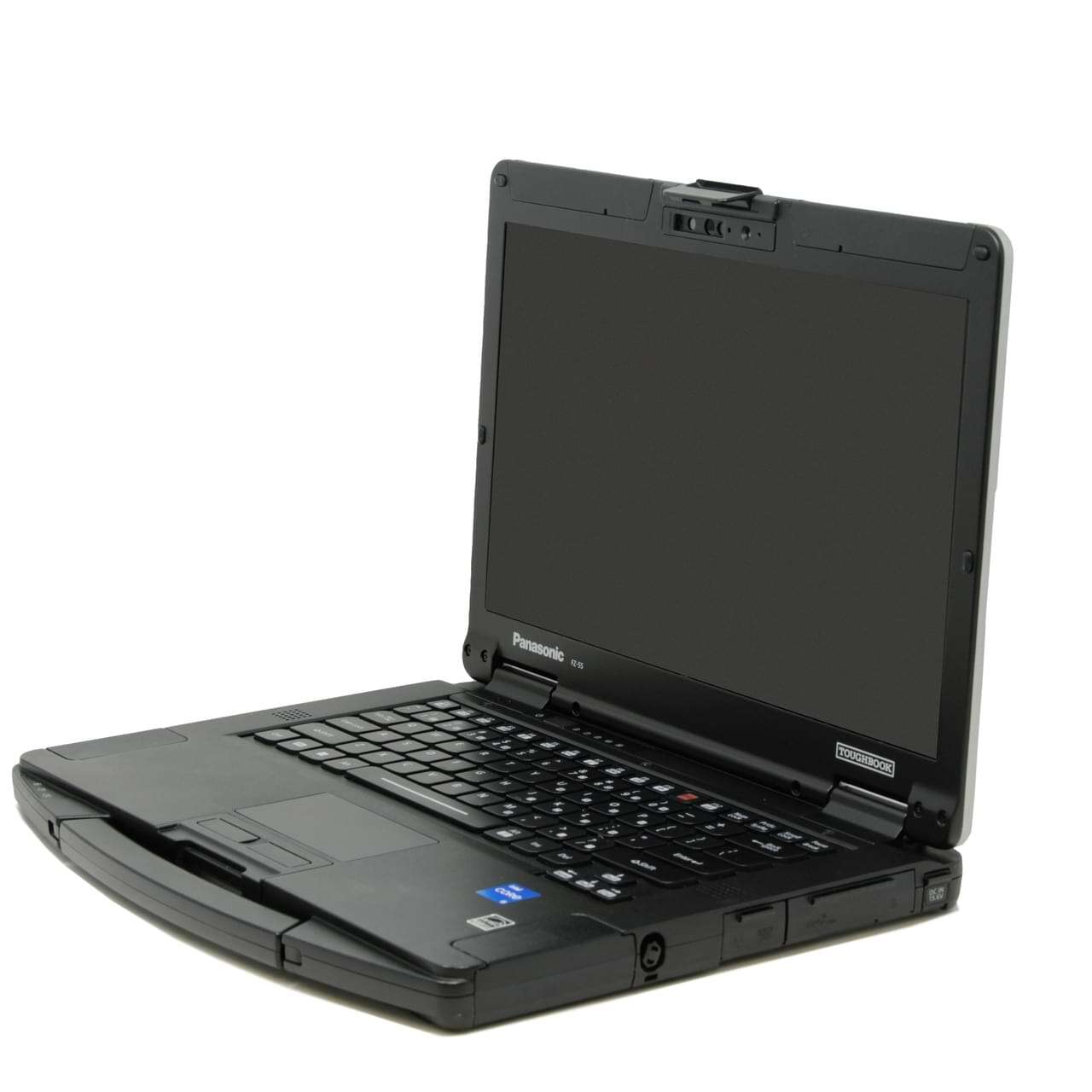 Saying rugged laptops cost more than a comparable consumer model is one thing. Looking at the difference in real dollars is another. New, rugged laptops typically range from $2,000 to $4,000 for semi-rugged models and $3,500 to $10,000+ $3,500 to $10,000+ for fully rugged models, depending on their configuration and level of ruggedization. The price climbs with the tier, specs, and form factor you choose. Compare that with roughly $500 to $1,200 for standard consumer models.
The upfront investment may be much higher, but the purchase price is only the starting point when you consider what happens when a field computer fails.
The Hidden Cost of Laptop Failure in the Field
Buying the laptop is only the first expense. Keeping work crews productive when a device slows down or fails is where costs can escalate rapidly. Consider the hidden cost aspects that occur when there’s a field device failure.
Downtime Costs are Enormous
When a field device fails, the cost isn’t only the purchase price of a laptop or repairs to an existing one. The much bigger expense is related to the downtown that follows.
In fact, organizations that measure downtime report steep hourly losses. To speak to the impact, ITIC's annual downtime research finds most enterprises lose more than $300,000 for a single hour of system downtime.
A failed field laptop rarely reaches that scale, but the same logic applies: idle workers and stalled jobs add up fast.
In the field, that blow to efficiency shows up as:
- Employees who cannot complete their work
- Delayed inspections and service calls
- Lost productivity for the hours or days until a working device returns
- Missed deadlines and the tough conversations that follow
Repair Costs Go Beyond Replacing the Laptop
Replacing a failed device is rarely as simple as buying a new one. Namely, you pay to ship the failed unit out and the replacement back. Then IT has to diagnose the problem, configure the new machine, and reinstall software. Add licensing costs and the setup needed to match your environment to that tally, as well.
Every step requires more labor and more time before the device returns to service. That cost really adds up when you are talking about a fleet of vehicles instead of a single replacement.
Operational Delays Can Have a Chain Reaction in Projects
One failed device rarely affects just one person. Field work is connected, so a single outage can stall an entire crew. A construction timeline waiting on an inspection stops cold. Utility work cannot proceed without field data, and public safety teams lose information they need in real time. Transportation and logistics running on tight schedules feel it next.
Customer Service Can Suffer
Device failure does not stay internal either. Customers feel it too in the following ways:
- Timely response is impacted. When crews can't reach their systems, calls are backed up, and appointments get pushed.
- Paperwork stalls too, leaving reports and follow-ups waiting until a working device is back in the field.
- The real cost is trust. Lost revenue stings, but a relationship damaged by repeated delays is far harder to rebuild.
The Five-Year Math: Total Cost of Ownership
Upfront, a rugged laptop costs more than a consumer machine. Over a five-year deployment, the order flips. Rugged devices cost roughly half as much because they fail less and last longer. Research from VDC Research and other industry analysts illustrates why, and the table below compares the total cost of ownership over five years.
| Cost category | Consumer laptop (field use) | Certified rugged laptop |
|---|---|---|
| Upfront purchase | $500 to $1,200 | $2,000 to $10,000+ |
| Annual failure rate | 15% to 20% | Under 4% |
| Lifespan | 12 to 18 months | 5 to 7 years |
| Five-year total cost | about $36,648 | about $17,113 |
When Rugged Computers Make the Most Financial Sense
Rugged hardware pays for itself when downtime is expensive and the environment is hard on equipment. That describes work in dust, weather, and vibration, from a construction site to an oil rig. Some industries where having rugged devices makes the most sense include:
- Construction sites, where dust, drops, and weather are constant hazards
- Utility companies, where outdoor crews work in every condition
- Manufacturing, where vibration and debris can damage laptops
- Oil & gas, where remote sites make failure very costly
- Public safety, where a frozen screen can have life-altering consequences
- The military, where reliability in the field is mission-critical
- Transportation, where vehicle-mounted devices undergo constant abuse
- Warehousing, where scanning and movement run all day
- Field service organizations, where technicians work far from IT support
In each of these situations, one failure can cost more than the entire price gap between a rugged and a standard device.
When a Traditional Laptop Is the Better Choice
Rugged computers are not the right solution for every job. For many organizations, a quality business laptop offers all the performance they need at a lower cost.
That includes:
- Brick & mortar office employees working at a desk
- Administrative staff in a controlled environment
- Insurance adjusters who travel lightly
- Remote professionals working in a home office
Rugged Laptop or Rugged Tablet?
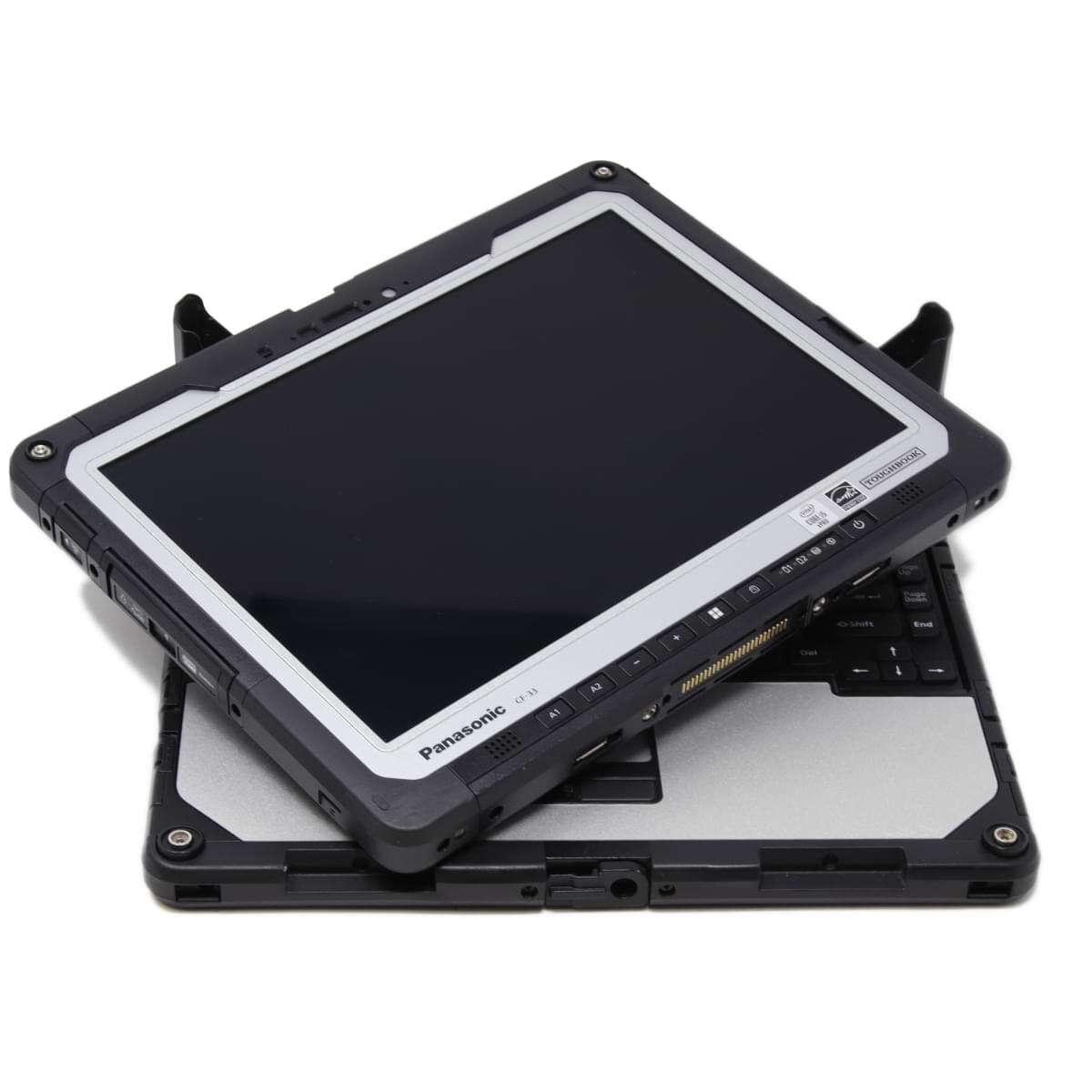 If rugged computing makes sense for your operation, the next decision is choosing between a rugged tablet, a rugged laptop, or a rugged 2-in-1. The best option will depend on how and where your teams utilize the device.
- Mobility: Tablets are ideal when workers move constantly or need one-handed operation.
- 2-in-1 flexibility: A rugged 2-in-1, such as the Panasonic Toughbook CF-33, combines a tablet's portability with a detachable keyboard for organizations that split time between the field and the office.
- Standing vs. seated work: Tablets work well for standing tasks, while laptops are better suited for extended keyboard use.
- Vehicle-mounted applications: Tablets often integrate more cleanly with in-vehicle docking systems.
- Data collection and barcode scanning: Tablets simplify field data entry, barcode scanning, and signature capture.
A rugged laptop remains the better choice when employees spend most of the day typing, running specialized software, or working at a desk or mobile workstation.
So, Are Rugged Laptops Worth It?
The honest answer to that question is that it depends on the cost of failure, not only the purchase price. Also, rugged computers are not necessary for every organization. For demanding environments, they often lower long-term costs by preventing the downtime, repairs, and ripple effects that cheaper hardware invites.
In tough conditions, that edge can reach 50% over a five-year deployment. The right way to decide is to weigh return on investment and total cost of ownership, not the upfront price alone.
Buying Used May Be the Smartest Investment
There is another avenue worth considering that we haven’t discussed yet: buying refurbished laptops or tablets. A professionally refurbished rugged device can deliver many of the same benefits as a new model at a fraction of the cost.
Because these devices are built to last, reusing electronics keeps proven hardware in service well beyond a single deployment. For buyers, that translates into several advantages:
- Lower acquisition costs than buying new
- Significant remaining service life thanks to durable construction
- Warranty options that protect the purchase
- A strong fit for startups, SME businesses, and other organizations with tight budgets
Refurbished rugged laptops and tablets from Bob Johnson's typically run about $500 to $3,500, often around half the price of new. That can put a fully rugged machine in the same buying range as a standard laptop.
Note that buying used does require careful evaluation. Battery health, cosmetic grade, hardware configuration, and refurbishment quality all affect long-term performance.
That's why it pays to work with a specialist who understands rugged laptops and computers and can recommend equipment that closely matches your operational needs.
Need Help Calculating Your Return on Investment?
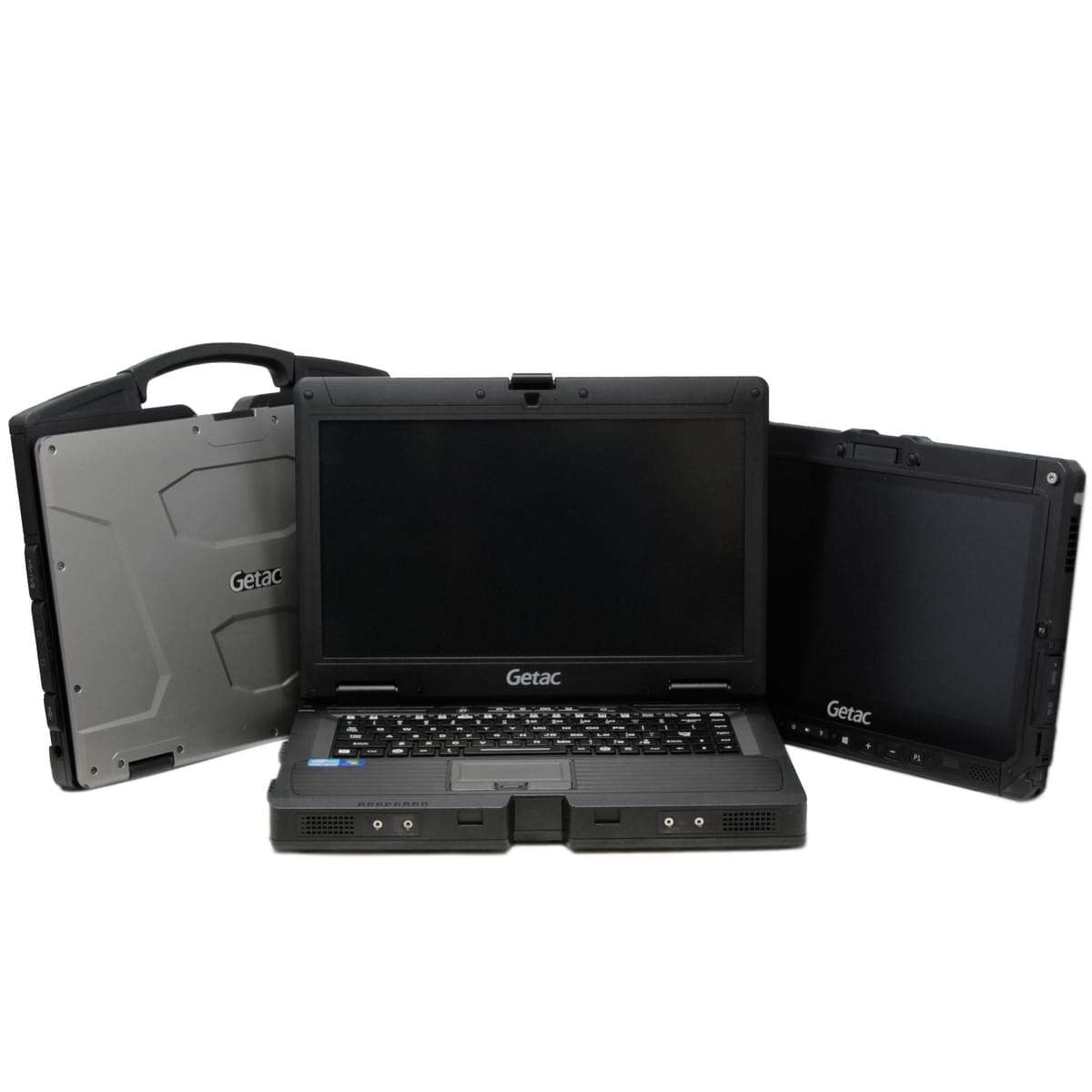 Instead of simply comparing purchase prices, determine the total cost of your deployment. Our rugged computing specialists can help determine when rugged hardware becomes the more economical choice for your operation.
Before reaching out, consider:
- Your deployment environment, such as an office, vehicle mount, warehouse, or outdoor jobsite
- About how many devices do you plan to buy
- How long do you expect to keep the computers in service?
With that information, we can recommend the right level of ruggedization for your operation and budget. You’ll avoid paying for protection you don’t need while ensuring your computer devices are built to hold up to the conditions they face.
Whether you already know what you’re looking for or need expert recommendations tailored to your needs, we’re here to assist. You can Contact Us for a quote or technical help, or use our Rugged Computer Selection Assistance page to choose the right rugged computer.