


Free Shipping! (USA only)
 9am – 5pm Eastern, Monday – Friday
 133 N Dupont Blvd Ste 103, Smyrna, DE 19977
 Sale Tax Free Shopping!


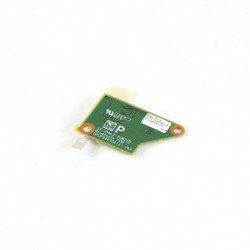


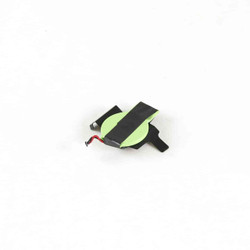
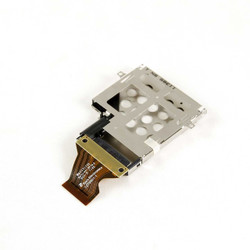
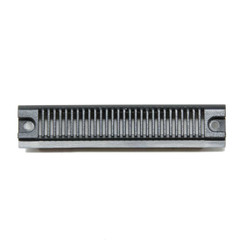

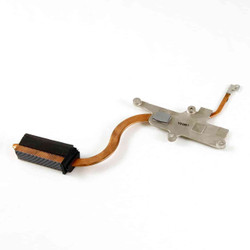


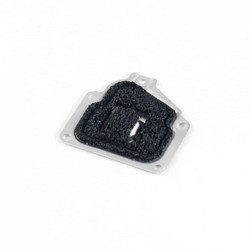
Our Panasonic Toughbook CF-31 replacement parts are in stock and ready to ship today. When ordering the parts you need, we require the full model number of your CF-31. This information helps us ensure you get the correct part for your CF-31. Keep in mind that not all Panasonic part numbers are created equal. Do not rely solely on the number printed on your part. That information is not reliable. You should always cross-reference your full model number and the generation of your CF-31. To learn more about your full model number, read our Toughbook Model Numbers for Nerds blog post. It offers more information about the model number and how you can determine the generation of your Toughbook.
As a quick reference, here are the Generations of CF-31s. The first character after the “CF-31” in the model number determines which generation you have:
For example, one of our in-stock CF-31s has the model number: “CF-318B725VM.” Based on the table above, this model number would be an MK6.
We sell a variety of kits that allow you to add upgrades to your rugged laptop. For example, if your rugged laptop has the standard keyboard, did you know you can easily swap it for a Backlit chiclet keyboard or even a water-resistant, backlit keyboard? Another popular upgrade kit is the GPS kit. With this kit, you can add GPS capability for turn-by-turn navigation, laptop tracking, and other applications that require position. Installation is always easy; we even have step-by-step video walkthroughs on our YouTube Channel.
Use our tech support form if you need help figuring out what you can and cannot do with your specific CF-31 Toughbook model. Our expert technicians will help you find the answers you seek.
All of our CF-31 parts are pre-owned; we have removed them from rugged laptops that do not meet our quality standards. They are not cosmetically ‘Grade A.’ The cases may be cracked, the port covers may be missing, but the laptop works flawlessly. These units become ‘parts machines.’ All parts are tested, the screens are checked for blemishes, missing pixels, scratches, and the keyboards are tested by typing with all the keys to ensure they are not faulty. Even the system boards we sell undergo rigorous component testing. All of this ensures you receive a quality, working part.
The good news is that all these parts are in stock and ready to ship. You can order by using our secure online shopping cart or by calling 302-659-2727. Orders are shipping in 1 business day.
|
|
Where do your OEM Toughbook CF-31 parts come from? |
|
|
Do you offer upgrade kits for the CF-31? |
|
|
Do you offer installation or repair services for purchased parts? |

Need help finding a replacement part, upgrade, or accessory for your rugged device? Our team specializes in technical support and parts sourcing—even for items not listed on our site. Complete our Technical Support Form or call our office to speak directly with a specialist who can identify the right part, check compatibility, and answer your technical questions. We’re dedicated to keeping your equipment running smoothly—no matter where you purchased it.